
In this article
- 01 Choose the control that matches your goal
- 02 Three robots.txt examples for search and AI crawlers
- 03 Understand group selection before adding exceptions
- 04 Build a small test matrix
- 05 Deploy and verify the correct file
- 06 Frequently asked questions
- 07 Turn the policy into a tested artifact
- 08 Sources
Useful robots.txt examples begin with a policy decision: which automated clients should be allowed to fetch which public paths? Write those choices explicitly, test representative URLs, and verify the file at the root of the correct host. Search crawling, AI training preferences, indexing and private access are separate controls.
This guide gives website owners three adaptable configurations and a test matrix. Every example.com URL is illustrative. Replace it with your own host and paths, review the complete existing file, and use the robots.txt generator as a drafting aid rather than a substitute for testing.
- Use robots.txt for cooperative crawler access rules.
- Use supported indexing directives for search exclusion, and authentication for private content.
- Do not assume a named crawler inherits the wildcard group's restrictions.
- Verify the delivered file and the actual target pages after deployment.
Choose the control that matches your goal
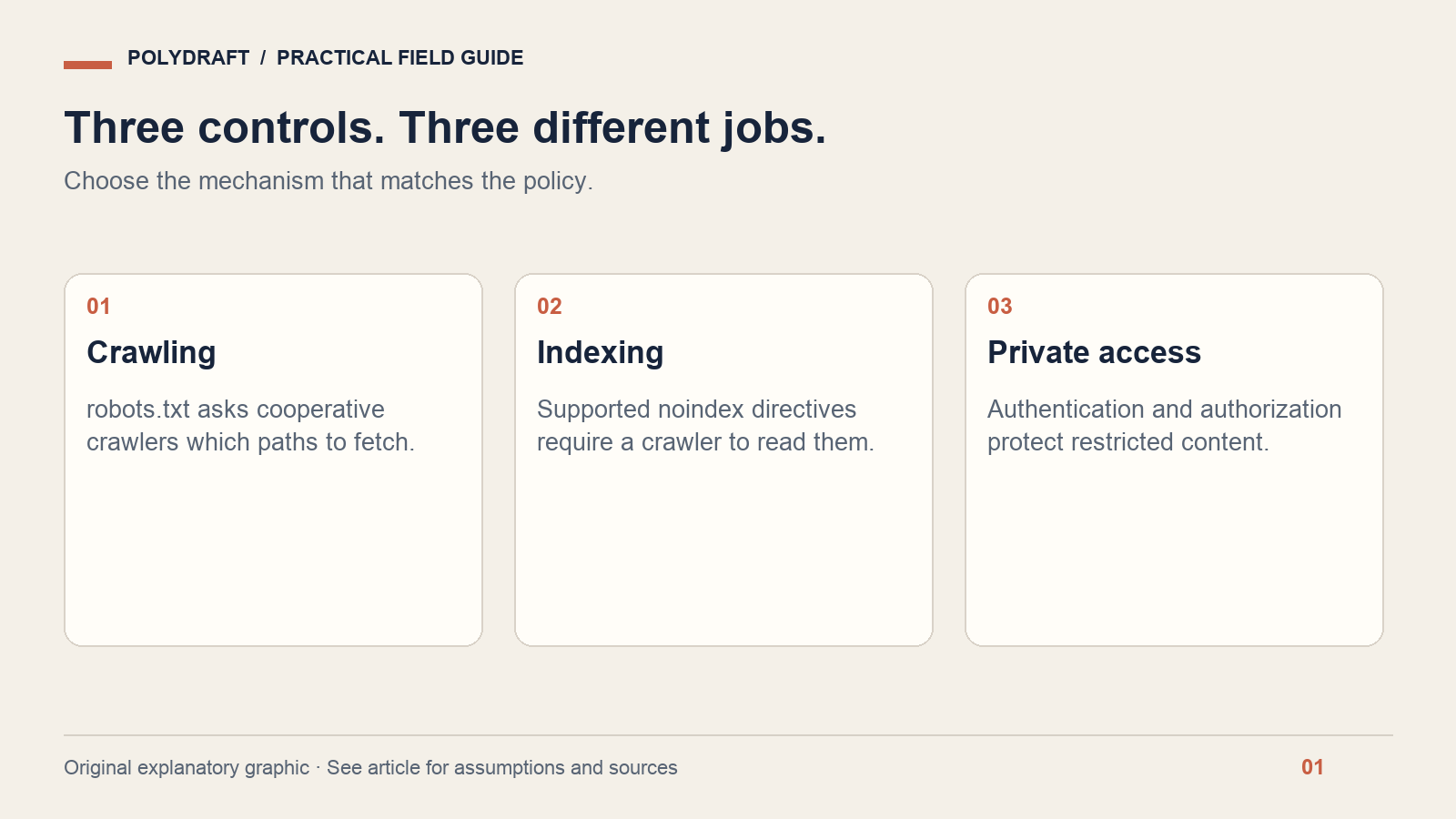
A robots.txt file is publicly readable. A rule asking a crawler not to fetch a path does not password-protect that path. For client documents or administrative data, require authentication and authorization at the application or server layer.
To keep a public HTML page out of Google results, use a supported noindex directive and allow Google to fetch the page so it can see that instruction. Google's robots meta documentation explains the distinction. Blocking the fetch can prevent the directive from being read; a disallowed URL can still be known through links.
Three robots.txt examples for search and AI crawlers
Example A: allow public pages, avoid an internal search path
Assume your public site has articles and product pages, while /search/ contains internal search-result URLs you do not want cooperatively crawled. This file expresses that narrow preference. It does not remove already indexed URLs and it is not an access restriction.
User-agent: *
Disallow: /search/

Sitemap: https://example.com/sitemap.xml
Do not paste the path into a site that uses /search/ for useful editorial pages. First list the URLs it would match. Keep scripts, stylesheets and images needed to understand public pages accessible unless you have a specific reason to restrict them.
Example B: permit ChatGPT search crawling and decline GPTBot crawling
OpenAI documents OAI-SearchBot for search and GPTBot for content that may be used in model training. Those settings are independent. The following policy keeps an internal search-path restriction for the explicitly named search bot and declines GPTBot access. Consult the official crawler reference when updating names or network rules.
User-agent: *
Disallow: /search/

User-agent: OAI-SearchBot
Disallow: /search/

User-agent: GPTBot
Disallow: /

Sitemap: https://example.com/sitemap.xml
Allowing search access does not guarantee a citation. It also does not control every user-triggered fetch: OpenAI describes ChatGPT-User separately and notes that robots rules may not apply to those requests. Do not treat one crawler group as a universal policy for every AI use.
Example C: keep Google search crawling separate from Google-Extended
Google-Extended is a product-control token, not a separate HTTP crawler user-agent. Google's crawler documentation distinguishes it from Google Search and says it does not affect inclusion or ranking there. It addresses specified Gemini training and grounding uses, so do not describe it as a training-only switch.
User-agent: *
Disallow: /search/

User-agent: Google-Extended
Disallow: /

Sitemap: https://example.com/sitemap.xml
These are alternative starting policies. Do not stack them into production without resolving duplicate groups and retaining your current intentional restrictions. If several people manage the site, name one policy owner and keep a short explanation beside each non-obvious rule in your change record.
Understand group selection before adding exceptions
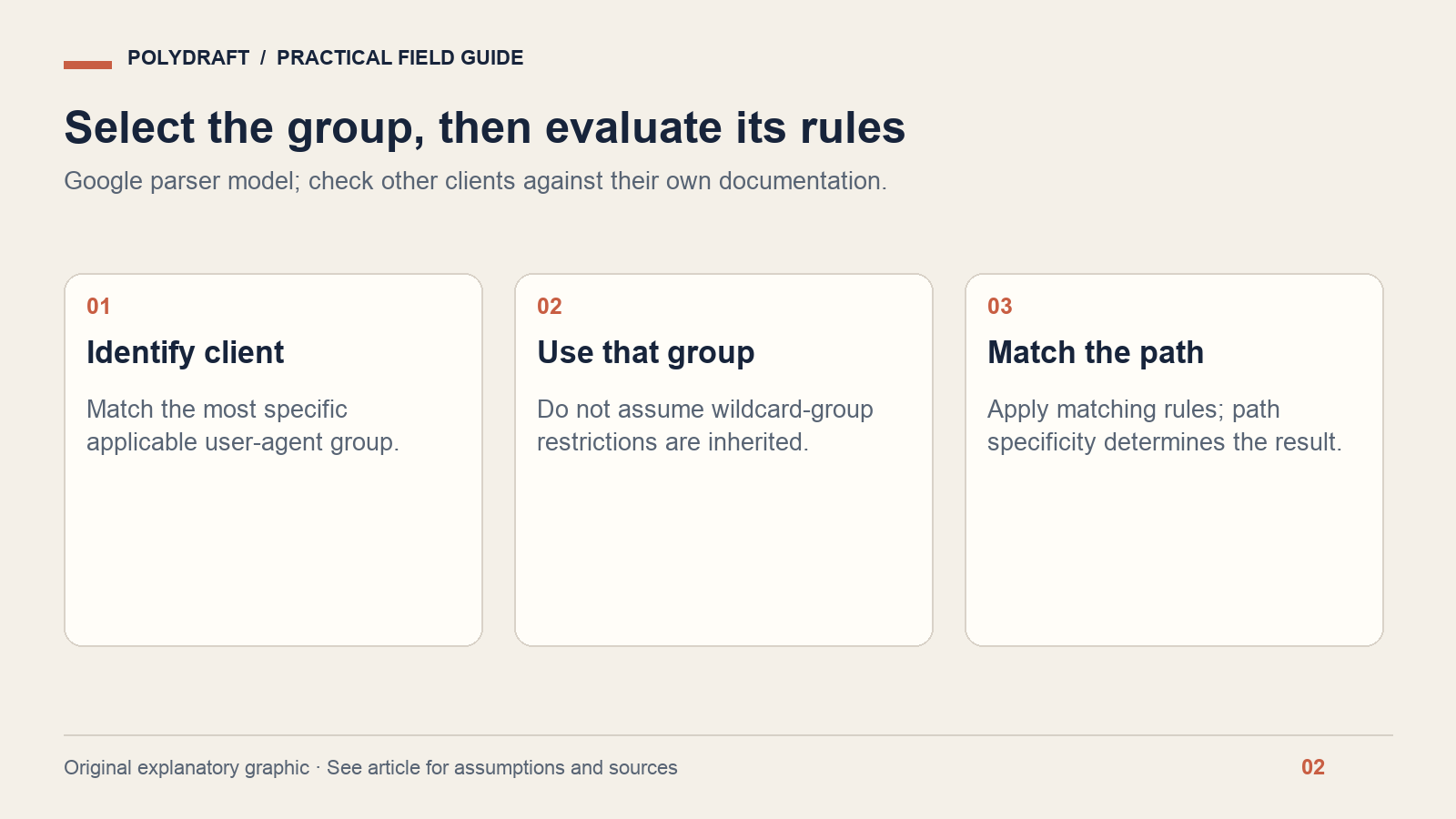
For Google, the most specific matching user-agent group is selected; a specific group does not simply inherit the wildcard group's rules. Within the applicable rules, path specificity matters, and an equally specific allow rule wins over a disallow rule. See Google's robots.txt interpretation; validate other crawlers against their own behavior rather than assuming universal parser identity.
This is why Example B repeats Disallow: /search/ in the OAI-SearchBot group. A file that adds a named group containing only Allow: / can unintentionally lose a restriction the author expected to inherit.
Be precise about path boundaries. A prefix such as /search is broader than /search/. Case, trailing slashes and query patterns can change which URLs match. Before adding a wildcard, write at least one URL that should match and one nearby URL that must not match.
Build a small test matrix
For Example B, use the following expectations as a starting fixture. “Allowed” means the robots policy permits a fetch; the server could still return an error, require a login or block the request through a firewall.
| URL path | Googlebot | OAI-SearchBot | GPTBot |
|---|---|---|---|
/ | Allow | Allow | Disallow |
/blog/guide | Allow | Allow | Disallow |
/search/results | Disallow | Disallow | Disallow |
/media/diagram.webp | Allow | Allow | Disallow |
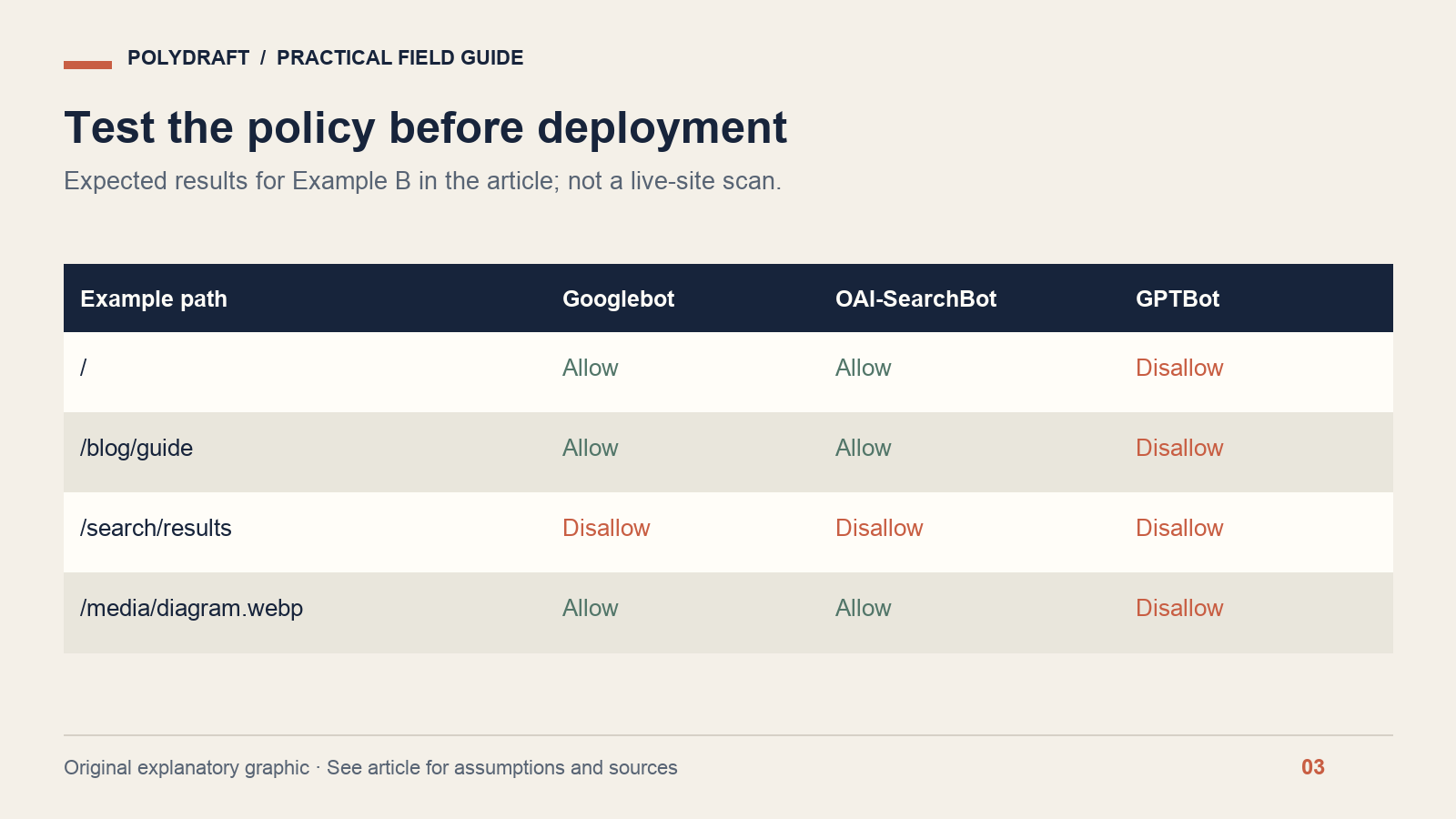
Extend the fixture with your most important product URL, one language variant and any custom path affected by a new rule. Store the expected result before running a parser. Otherwise, it is too easy to approve whatever result the tool returns.
There are two different tests here: parsing the policy and making an HTTP request. A successful browser request does not prove a bot is permitted. A parser's “allow” result does not prove your CDN lets the bot through. Test both layers, and verify real crawler identity from vendor guidance before creating firewall exceptions.
Deploy and verify the correct file
Publish the plain UTF-8 file at /robots.txt on the exact host and protocol you intend to control. Google's creation guide covers file placement and validation options. A file on the main domain does not automatically configure every subdomain.
- Save the current file and record the reason for the change.
- Review the diff against the expected URL matrix.
- Fetch the live file in a private browser session and inspect its text, status and content type.
- Confirm it is not an HTML error page or cached older version.
- Run policy tests, then test the important public pages and assets.
- Check the robots.txt report and relevant URL Inspection results in Search Console where you have access.
Keep the previous version available for rollback. If a release unexpectedly blocks product pages, restore the last reviewed policy, verify the restored response, and investigate the error before retrying. Do not “fix” it by granting every automated request access to private application routes.
Frequently asked questions
Does Disallow remove a page from Google?
No. It controls crawling by compliant clients. Search exclusion requires the appropriate indexing controls, and Google must be able to see them. Private material needs real access controls rather than a publicly visible list of paths in robots.txt.
Should I block every AI crawler?
That is a business policy choice. First distinguish search discovery, training preferences and user-requested access. Then decide per documented client and use. A blanket rule may conflict with your wish to appear in a search product; an allow rule still promises no placement.
Can a generator guarantee the file is correct?
No. A generator can format rules, but it does not know every path on your site or your intended access policy. Review its output, test representative URLs and confirm the live response after deployment. Keep the configuration as small as the policy allows.
Turn the policy into a tested artifact
Draft your file with the PolyDraft robots.txt generator, then apply the checks above. If the file is correct but assistants still cannot read a page, continue with our guide to checking website readability for AI assistants.
About this article: Prepared with AI assistance for PolyDraft. Technical statements are linked to primary documentation checked on October 8, 2026. Worked examples and diagrams are illustrative, not customer results or live-site audit evidence. The hero is an AI-generated editorial illustration. For corrections, contact PolyDraft with the page URL and supporting source.