WordPress to Astro
Import Your WordPress Site and Rebuild It on Astro
Paste your WordPress URL. PolyDraft reads the live public site, extracts your pages, copy, images and business facts, and rebuilds them as a researched Astro site you deploy to your own cloud — a public-site rebuild, not a backend import.
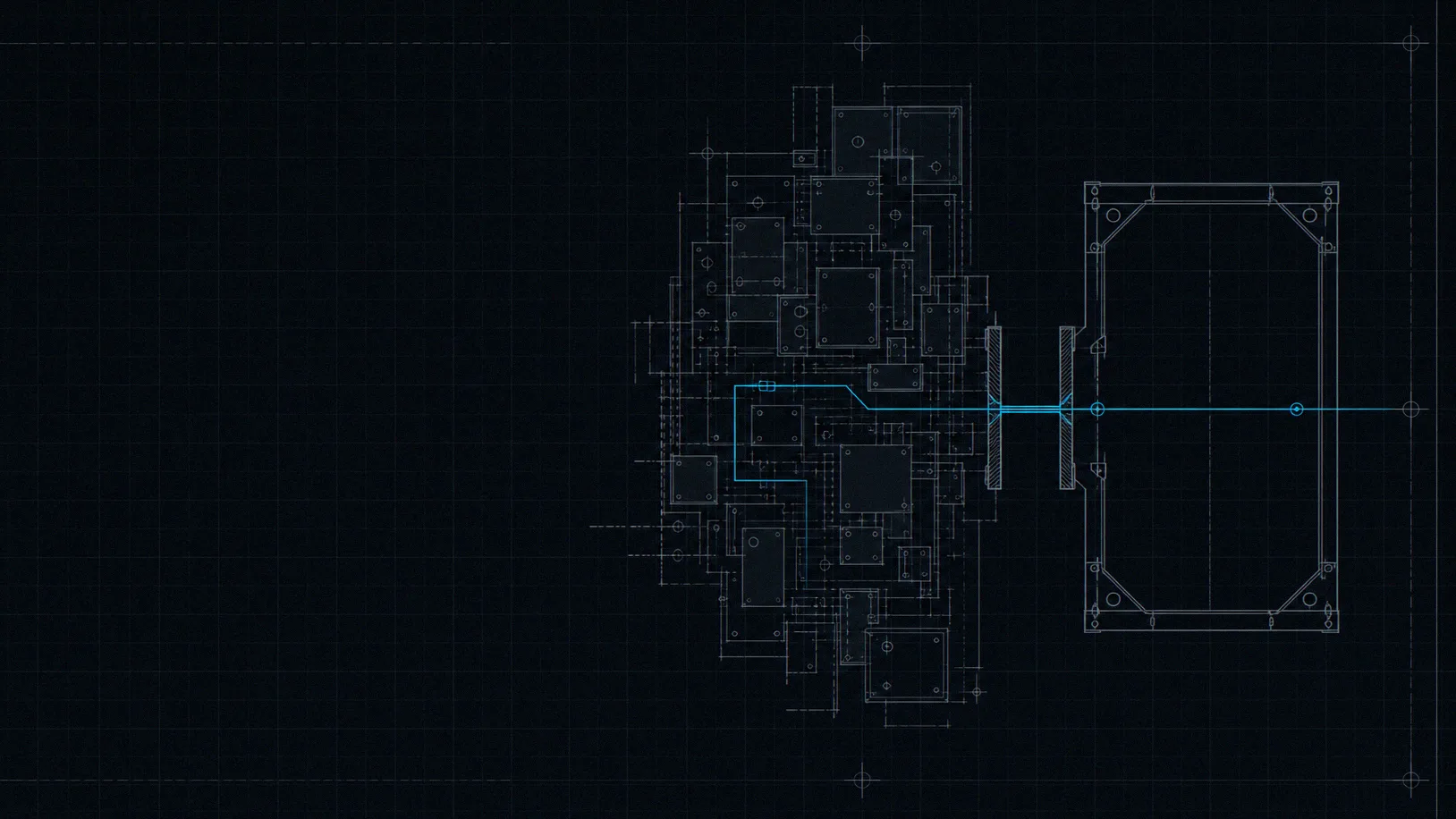
PolyDraft rebuilds a WordPress site as a new Astro site: it reads your live public URL, extracts the business facts, pages, copy and images a visitor can see, and generates a researched, search-ready site you deploy to your own cloud. Your WordPress backend is not copied — it is replaced.
Last updated
What actually happens
You give PolyDraft the address of your existing site. The agent loads it the way any visitor or crawler does, reads what is published there, and distils it into a verified knowledge base — the facts about your business that it will then treat as the only permitted source of truth. From that brief it researches your market and the competitors already ranking, plans the new site page by page, writes the copy, and builds it.
The result is a new site, not a converted one. That distinction is the whole reason this page exists. Nothing is lifted out of your WordPress installation and dropped into a new wrapper: the pages are generated fresh on Astro, with their own structure, their own metadata and their own markup. Your old site keeps running the entire time, and you only point the domain once you have read the new one and agreed with it.
The full build sequence — brief, research, page plan, generation, quality gate — is documented on how it works, and what ships with every finished site is itemised on the features page.
What is captured from your site
Everything in this list has one property in common: it is reachable from a public URL. That is the boundary, and it is worth stating plainly, because it is what separates an honest description of a rebuild from a sales promise.
- Published pages and their copy
- Anything a visitor can load: page structure, headings, body copy, product and service descriptions. The agent reads them as source material for the rebuild, not as a template to clone.
- Business facts
- Company name, what you sell, who you serve, contact details, addresses, opening hours — extracted into a verified knowledge base that the agent treats as the only source of business truth.
- Public images
- Images served on your live pages can be pulled in and reused. Your product photography stays your product photography; nothing invents a replacement for it.
- Published posts
- Live blog content is visible content, so it can be read and carried into the new blog CMS. Drafts, scheduled posts, private posts and trashed content are not public, so they are not visible to anything reading the URL.
The honest inverse
What has to be rebuilt or confirmed
None of the following is read from a public URL, because none of it is served on one. Anyone telling you otherwise is describing a product that would need your WordPress credentials, and this one does not ask for them.
- Your WordPress database
- Not copied. A public URL exposes rendered pages, not tables. The new site runs on its own database, and content lands there because it was rebuilt — not because the old one was transferred.
- Theme, PHP and template code
- Not transferred. The new site is generated on Astro with its own design system, so your theme, child theme, page builder layouts and custom PHP do not come across. The design is rebuilt to a chosen direction.
- Plugins and their settings
- Plugins do not carry over. Where a plugin was doing a job you still need — a contact form, an SEO field, a cookie banner — the equivalent is provided natively or has to be rebuilt deliberately.
- wp-admin, users and roles
- wp-admin does not come with it. PolyDraft ships its own admin panel behind a private path, with its own accounts. Your WordPress user table, capabilities and role plugins are not read.
- Redirects, canonicals and slugs
- Audited and re-decided, never assumed. These are the details that decide whether rankings survive, so they are treated as decisions a person confirms — the checklist below is how.
The SEO migration checklist
Rankings are lost during a platform change for one boring reason: URLs move and nothing tells the search engine where they went. Work through these eight steps before you point the domain, and the risk drops to something you can actually manage.
-
01
Inventory the URLs that earn something
Before anything changes, list the pages that hold rankings, links or conversions. Search Console and your existing sitemap are the two sources that tell you which URLs matter rather than which ones merely exist.
-
02
Decide the new URL for each one
For every URL that matters, decide: same path, new path, or retired. Slug mapping is a decision you make and confirm — a rebuild reads what is published, it does not know which of your permalink structures you consider canonical.
-
03
Confirm one canonical per page
WordPress sites often accumulate several addresses for one page — with and without a trailing slash, with query parameters, under an old category prefix. Each rebuilt page declares a single canonical URL, and the duplicates should point at it.
-
04
Rewrite titles and descriptions deliberately
Metadata is rebuilt per page rather than copied field-for-field out of an SEO plugin. That is the honest description and also the better outcome: every page gets a title and description written against real search demand instead of a template pattern.
-
05
Rebuild structured data against the new pages
Schema.org markup is generated from the page that actually exists, so it cannot drift from what the reader sees. Organization, WebPage, breadcrumbs and page-appropriate types are emitted; anything your old plugin asserted has to be re-earned by the new page.
-
06
Re-point menus and internal links
Navigation is rebuilt, not exported. Once the URL decisions in step 2 are made, the new menus and the internal links inside body copy follow them — a link to an old path is a broken link the day the switch happens.
-
07
Check the media that pages depend on
Images pulled from the live site keep working, but anything referenced only from inside the media library, or hotlinked from a plugin, has to be confirmed by hand. Missing hero images are the most visible failure of a rushed switch.
-
08
Verify before you point the domain
Everything above is checkable on the preview site while WordPress is still serving live traffic. Fix it there. Pointing the domain is the last step, not the first.
Steps 3 to 6 describe work that continues long after launch day, which is the subject of SEO automation. If the site serves more than one language, the URL decisions in step 2 also have to account for website localization before you commit to a structure.
Redirects: the gap you have to close
This is the part most migration pages quietly skip, so here it is stated directly: redirects are
not generated for you. A rebuild reads what is published today. It has no way of knowing that
/2019/06/old-post-name and /blog/old-post-name were the same article,
which of your category archives you consider disposable, or which parameterised URLs an old plugin
invented and you never wanted indexed.
Those are judgement calls about your business, and getting one wrong silently costs you a page that used to rank. So the honest description is that redirects are a planned, human-confirmed step: you produce the URL inventory in step 1, decide each destination in step 2, and configure the mapping on the host that serves the new site. Google's own guidance on site moves with URL changes is the reference worth reading before you plan it.
Forms, plugins and WooCommerce
Three areas account for most of the disappointment when a WordPress site is rebuilt somewhere else. Read these before you start, not after.
- Contact forms
- Every PolyDraft site ships an inquiry form with anti-spam and a lead inbox that records the sender country. What does not transfer is your existing form plugin: its field configuration, conditional logic, notification routing and stored submissions stay in WordPress. Export anything you need to keep before you retire it.
- Plugin-provided features
- A WordPress site is often a stack of plugins doing unrelated jobs. Blogging, SEO metadata, image handling, sitemaps, cookie consent and internal linking are built in here, so those plugins have no successor to install. Membership systems, booking engines, forums and LMS features are not part of the product — if your site depends on one, that dependency does not move.
- WooCommerce
- PolyDraft builds marketing and lead-generation sites, not a storefront. WooCommerce orders, customer accounts, carts, coupons and payment configuration stay where they are. A rebuild can present your catalogue as content and send buyers to a store that keeps running elsewhere; it does not become the store.
What a finished site does connect to — your own cloud account, your domain, your analytics and anti-spam keys, and a content API — is itemised on integrations and architecture, alongside an equally explicit list of what it does not integrate with.
Where the finished site lives
One click deploys the finished site to your own cloud account, under your own domain. There are no platform hosting fees, update deployments never overwrite the content you have accumulated since launch, and cancelling a subscription does not take a deployed site down — it is running on infrastructure you control.
That matters more than usual for a migration. Leaving one hosted platform for another trades one dependency for a different one; the point of this route is that the destination is yours. Agencies running the switch for a client can go further — full source-code export is included on Agency and Enterprise plans, and project transfer is listed on Pro and above, both covered on the agencies page.
After launch
- The work does not stop at the switch
- A migration is the moment your URLs, metadata and internal links are most likely to be wrong. Watch coverage and crawl errors in the weeks after, not just the day of.
- New opportunities keep arriving
- PolyDraft keeps identifying SEO, internal-linking, content and localization improvements after launch, prepares them in context, and waits for you to approve each one.
- AI assistants read the new site too
- The rebuilt site publishes an llms.txt file and a robots.txt that welcomes AI crawlers, and structures key sections answer-first so an assistant can quote them accurately.
Whether assistants can read and quote the rebuilt site is covered on AI visibility.
Questions people actually ask
- Does PolyDraft import my WordPress database?
- No. PolyDraft reads your live public site the way a visitor or a search engine does, then rebuilds it on Astro. Database tables, unpublished drafts, user accounts and backend settings are not reachable from a public URL, so they are not part of what is read.
- Will my plugins and theme still work?
- No, and they are not meant to. The rebuilt site is an Astro site with its own design system and its own built-in blog CMS, inquiry inbox, image library and SEO layer. Jobs your plugins were doing are either handled natively or need a deliberate replacement.
- Will I lose my search rankings?
- Nobody can promise you will not, and anyone who does is guessing. What decides the outcome is URL continuity: the rankings that survive are the ones whose URLs, canonicals, redirects and internal links were audited before the domain moved. The checklist on this page is that audit.
- Are my redirects set up automatically?
- No. A rebuild cannot know which of your old paths you consider worth keeping, which were duplicates and which you wanted retired. Redirects are planned from your own URL inventory and confirmed by a person, then configured on the host serving the new site.
- Can I keep my domain?
- Yes. The finished site deploys to your own cloud account under your own domain. You point the domain when the preview is verified, and WordPress keeps serving traffic until you do.
- What happens to my WooCommerce store?
- It stays where it is. Orders, customer accounts and payment configuration are not part of a marketing-site rebuild. Many businesses keep the store running and rebuild everything around it — the pages that have to rank and convert.
Accountability
Written by Vincent Chen, Founder of PolyDraft and CEO of BlackMonolith, Inc. The scope boundaries on this page are held to our editorial policy: we describe what the product does against evidence, and name what it does not do rather than leaving it implied.
Point it at your WordPress site and see what comes back
Building and previewing is free — you pay only to publish. Your existing site keeps serving traffic the whole time, so you can read the rebuilt version before deciding anything.
Start building free