In this article
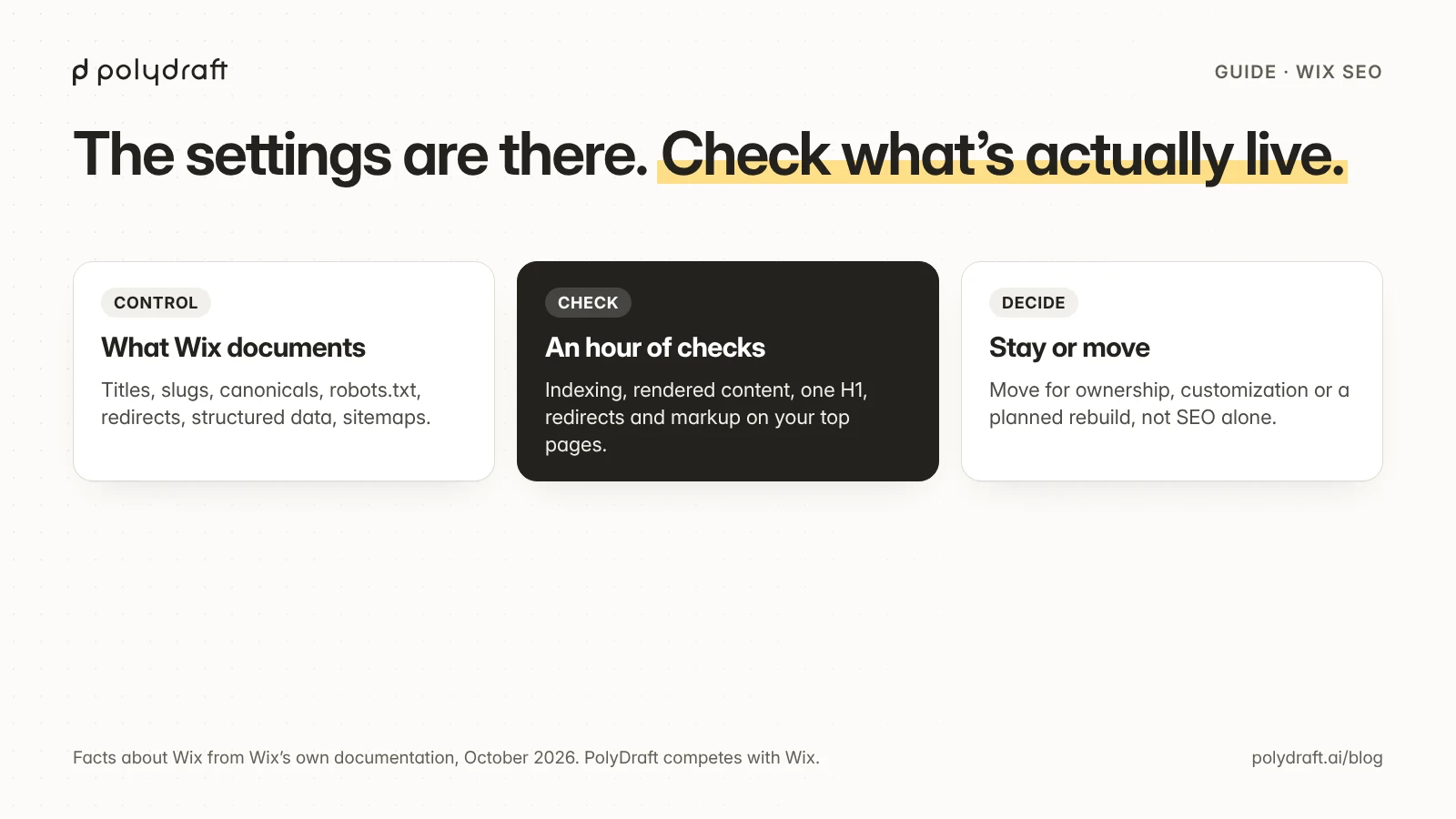
Wix can rank well. Its documentation covers the controls most small sites need: page titles and meta descriptions, custom URL slugs, editable canonical tags and robots.txt, automatic sitemaps, 301 redirects, and some automatic structured data, plus the option to add your own markup. Wix says its pages are rendered on the server, which helps search engines read them. Most Wix SEO problems come from how a site is set up, not from the platform, and an hour of checks will find them. Moving off Wix is worth it for business reasons, such as wanting to own your code and hosting or needing deeper customization, more often than for SEO alone.
This guide is for Wix site owners who want to know whether their site is set up well for search, and what to do if it isn't. We make PolyDraft, which competes with Wix, so we've stuck to what Wix's own documentation says and to checks you can verify yourself.
Key points
- Wix lets you set page titles, descriptions, URL slugs, canonical tags, robots.txt rules, redirects, and structured data. Defaults exist, and you can override them.
- Check what's actually live: view the source, inspect URLs in Search Console, and test the structured data.
- Wix says it creates a 301 redirect automatically when you change a page's URL slug, except for blog posts.
- Good content and clear page structure matter more than the platform for most small sites.
- Consider moving when ownership, hosting, customization, or a planned rebuild makes it worthwhile, and plan the migration so you keep your search traffic.
Is Wix good for SEO?
For most small business sites, yes, as long as the site is set up properly. As of October 2026, Wix's own SEO pages and help center describe these controls:
| Area | What Wix documents |
|---|---|
| Page titles and meta descriptions | Editable per page in the SEO settings. Your values override Wix's defaults |
| URL slugs | Editable per page |
| Canonical tags | Set automatically and editable |
| robots.txt | An editable file comes with every site |
| Sitemaps | Created and updated automatically when pages change |
| Redirects | A URL Redirect Manager. Changing a page's slug creates a 301 automatically, but blog posts need manual redirects. Redirects need an upgraded site with a connected domain |
| Structured data | Wix adds some structured data automatically and lets you add custom markup |
| Rendering | Wix says its sites use server-side rendering, so search engines get the content without running JavaScript first |
| Search Console | Connected through Wix's SEO Setup Checklist, which also submits the sitemap. This needs a Premium plan and a connected domain |
| Visibility in AI answers | Wix publishes monitoring of how sites appear in AI answers as part of its SEO product |
That's a solid base. Settings alone don't make pages rank, though. They make good pages readable. Whether a page ranks depends on whether it's the best answer for the search, which is the same on any platform.
An hour of checks for any Wix site
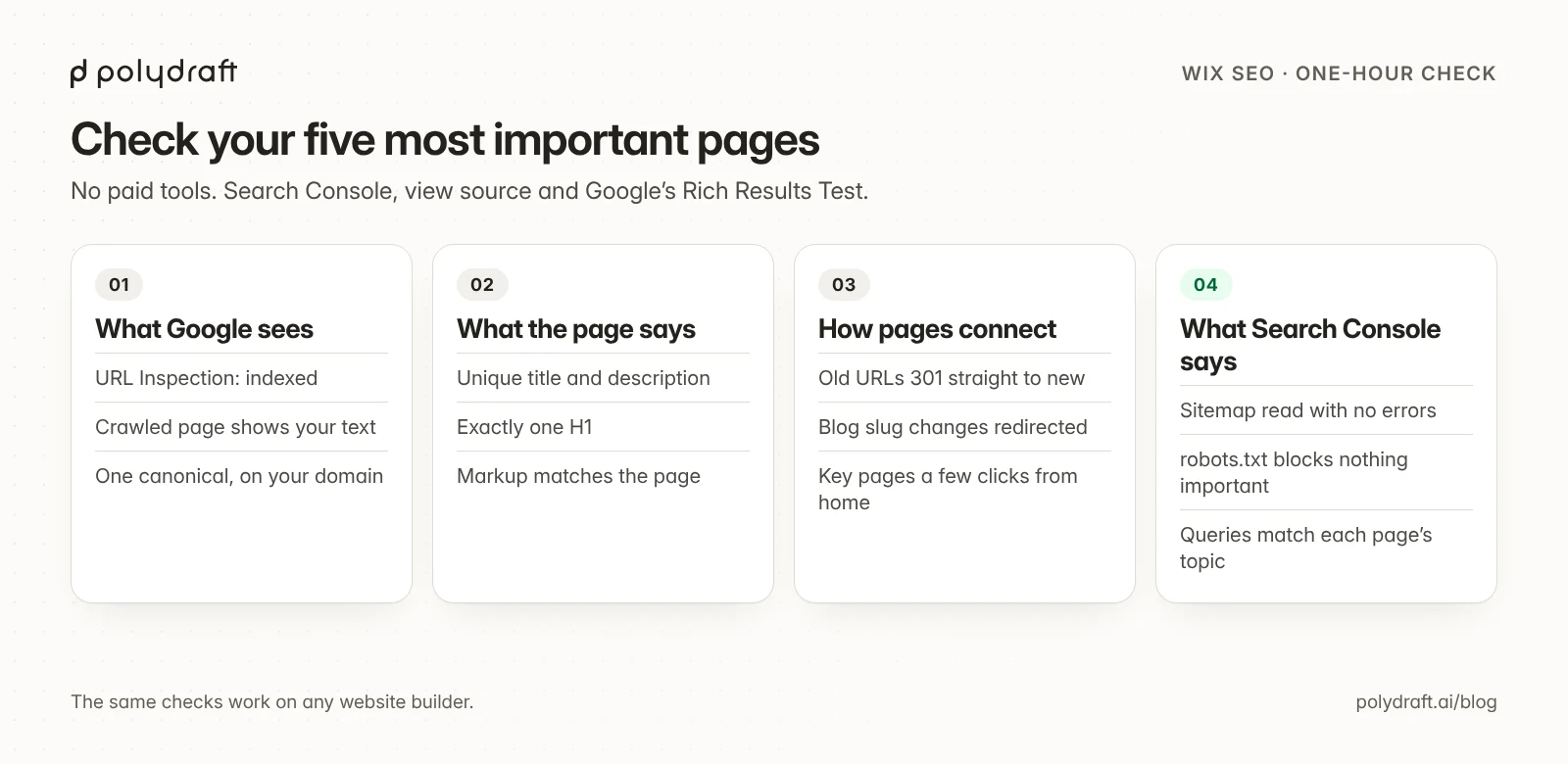
Run these on your five most important pages: home, your main service or product pages, and your best-performing post. You don't need any paid tools.
| Check | How | What good looks like |
|---|---|---|
| Indexed | Search Console, URL Inspection | "URL is on Google", with the canonical you chose |
| Rendered content | URL Inspection, "View crawled page" | Your main text and headings appear in the HTML Google saw |
| Title and description | View source, or the SEO settings panel | Unique per page, describes the page, not just the brand |
| One H1 | View source, search for <h1 |
Exactly one, matching the page's main promise |
| Canonical | View source, search for canonical |
One tag, pointing to this page's preferred URL on your custom domain |
| robots.txt | Visit /robots.txt on your domain |
Doesn't block pages you want found |
| Sitemap | Visit /sitemap.xml and check Search Console |
Lists your important pages, with no errors in Search Console |
| Redirects | Open old URLs you've changed, and review the URL Redirect Manager after changing any slug | Each one 301s straight to the new page, with no chains or loops |
| Structured data | Google's Rich Results Test | Valid, and every fact in it also appears on the page |
| Internal links | Click through from the home page | Every important page is reachable in a few clicks, with descriptive anchor text |
Common findings on builder sites, Wix or not:
- Duplicate titles on pages copied from a template.
- Blog post slugs changed without a redirect, because Wix doesn't create those automatically.
- Thin service pages, one paragraph long, that can't answer anyone's question.
- A site without a connected domain, where Wix doesn't create redirects.
- Structured data left unchecked, so markup no longer matches what the page shows.
For the fixes that matter most on any platform, see our SEO plan for small business sites.
When staying on Wix makes sense
- The site is small, its content is in good shape, and the checks above pass.
- You use Wix features your business depends on, such as bookings, stores, or apps, and moving them would cost more than it gains.
- Your search problems turned out to be content or structure problems. Those come with you to any platform.
Signs a move is worth considering
- You want to own the code and hosting. A Wix site runs on Wix. Moving away usually means rebuilding on another platform. PolyDraft, for example, can't import Wix data, so a move is a rebuild, and bookings, store logic, and app features have to be rebuilt or replaced.
- You need customization the platform doesn't offer, such as a different stack, your own components, or a specific multilingual setup.
- A redesign is already planned. If you're rebuilding anyway, choosing the platform then costs little extra.
- You keep working around the platform for something your site needs, and you can't find a way to do it in Wix's documentation.
If you decide to move, the risk to search traffic is in the URLs, redirects, and content you change. Our website migration checklist covers the steps that protect it. Our comparison of PolyDraft and Wix sets out where each one fits.
Where PolyDraft fits
PolyDraft is an AI website builder. You describe the business or point it at an existing site, and it builds a multi-page site on Astro that you deploy to your own Cloudflare account. New sites built on its current template include canonical tags, a sitemap, and robots.txt, and accept page-level structured data. Check the live pages with the list above, the same way you would on Wix. PolyDraft can't import Wix data, so a move is a rebuild. You choose the URLs, and redirects for changed URLs are configured on your host, with a person confirming them.
If you'd rather have someone run your site and its SEO and AI-visibility work for you, PolyDraft's AI FDE service puts a PolyDraft engineer on it, and nothing goes live without your approval (contact us).
Frequently asked questions
Is Wix good for SEO?
Yes, for most small sites that are set up well. Wix documents editable titles, descriptions, slugs, canonicals, robots.txt, redirects, custom structured data, and automatic sitemaps. Results depend mostly on your content and structure.
What Wix SEO settings should I check first?
Each important page's title and meta description, its URL slug, and the canonical tag. Then check robots.txt, the sitemap in Search Console, and redirects for any URLs you've changed.
Does Wix create redirects when I change a URL?
Wix says it creates a 301 redirect automatically when you change a page's URL slug, except for blog posts, which need manual redirects in the URL Redirect Manager. Check the URL Redirect Manager after changing a slug.
Can I add my own structured data on Wix?
Yes. Wix adds some structured data automatically and lets you add custom markup. Make sure every fact in the markup also appears on the page.
Should I move my site off Wix to rank better?
Usually not for SEO alone. Fix content, structure, and the checks above first. Move when ownership, customization, or a planned rebuild makes it worth it, and plan the migration so you keep your search traffic.
Continue with the next task
- Plan a move that keeps your rankings: Website migration checklist
- Fix the content side on any platform: SEO for business
- Budget a rebuild: Website redesign cost
About this article. Drafted by an AI agent following PolyDraft's blog workflow, checked by an automated QA script, reviewed by separate AI agents, and approved by Vincent Chen. PolyDraft competes with Wix. Facts about Wix come from Wix's own SEO pages, blog, and help center as of October 26, 2026. We checked each claim against excerpts of Wix's published pages on October 26, 2026, and kept to what Wix states. Wix changes its features often, so check its help center for the current details. The diagrams are original illustrations made for this article.
Sources
- Wix: SEO
- Wix Help Center: Setting up 301 redirects
- Wix Help Center: Changing your page URL
- Wix Blog: Is Wix SEO friendly?
- Search Console Help: URL Inspection tool
- Google Search Central: General structured data guidelines
Written by
Founder of PolyDraft and CEO of BlackMonolith, Inc.