In this article
- 01 Framer vs Webflow at a glance
- 02 Building and design
- 03 Framer vs Webflow pricing in 2026
- 04 CMS and content
- 05 Framer vs Webflow for SEO
- 06 AI tools and AI search
- 07 Languages
- 08 Ecommerce
- 09 Ownership and leaving
- 10 Which should you choose?
- 11 The work that starts after launch
- 12 How we compared
- 13 Frequently asked questions
- 14 Continue with the next task
- 15 Sources
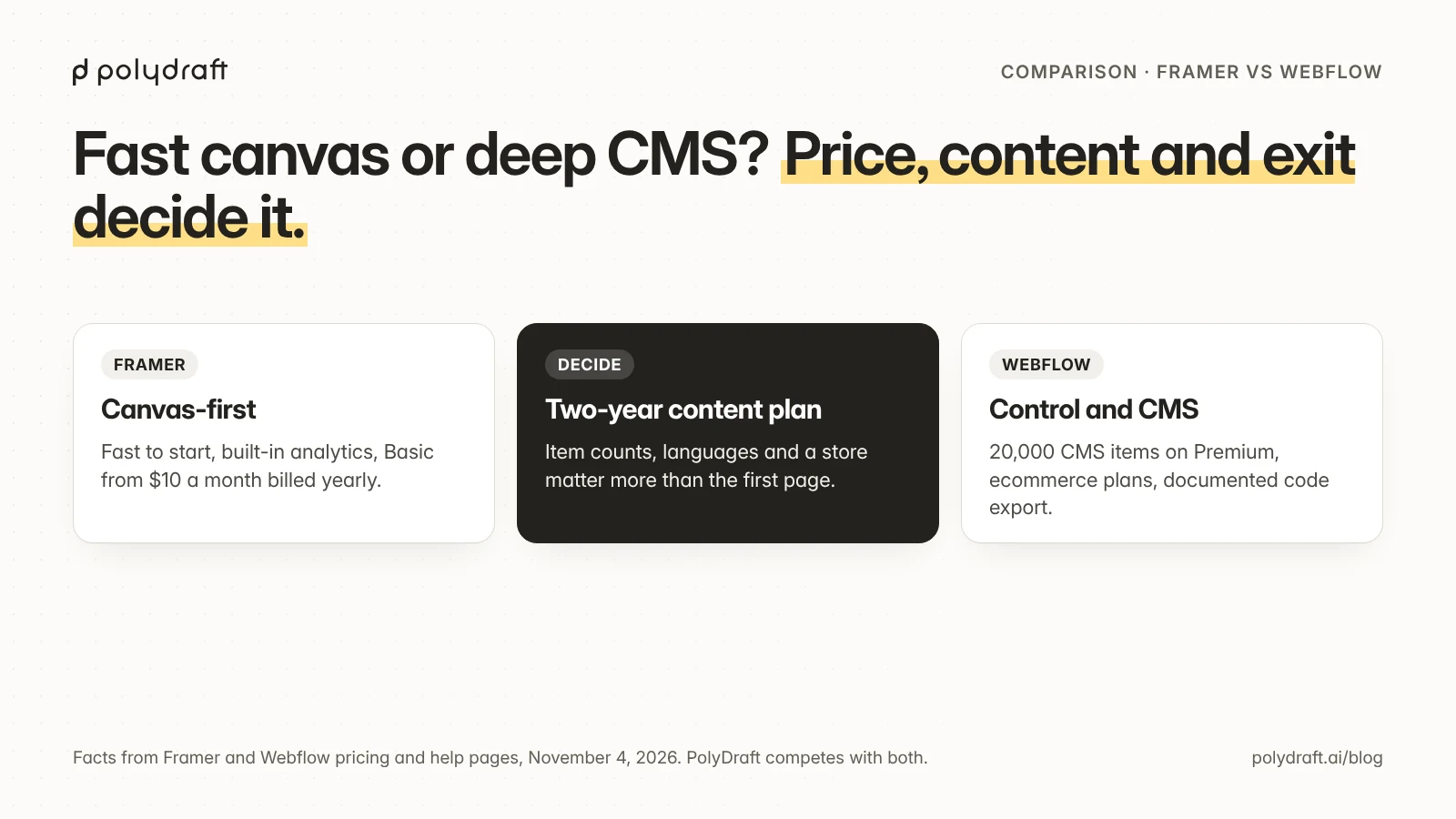
Choose Framer if designers want to build and publish marketing sites fast from a free-form canvas, the content is modest, and a low entry price matters. Choose Webflow if the site has a lot of structured CMS content, needs a built-in store, or needs fine-grained control and a documented code export. Both host your site and cover the SEO basics, and neither is easy to leave.
On November 6, 2026 we re-read both vendors' plans pages, product pages, and help centers in a browser and captured the screenshots below. Both changed their plans in 2026, so treat every figure as dated. We make PolyDraft, a different kind of tool, and we explain the difference near the end. We didn't build test sites on either platform for this article.
Key points
- Price: Framer's paid plans start at $10 a month billed yearly. Webflow's start at $15, and its CMS plan, Premium, is $25 billed yearly or $39 monthly.
- CMS: Webflow Premium includes 20,000 CMS items. Framer Basic includes 1,000 and Pro 2,500, with add-ons up to 40,000.
- Languages: both sell languages per locale: Framer $20 per locale a month, Webflow from $9 billed yearly.
- Stores: Webflow sells ecommerce plans. We found no native store in Framer's documentation.
- AI: both now build with AI agents and credits. Webflow sells AI-search (AEO) agents on its $2,500-a-month Team plan and to Enterprise.
- Leaving: Webflow documents a limited code export on paid Workspace plans. Framer's own help articles still disagree about whether you can export.
Framer vs Webflow at a glance
| Framer | Webflow | |
|---|---|---|
| Best for | Design-led marketing sites, landing pages, portfolios | CMS-heavy marketing sites, stores, and sites a design team maintains |
| Free plan | Framer domain, 1 GB bandwidth; meant for non-commercial use | Starter: webflow.io address, 1 GB bandwidth, 50 CMS items, 2 static pages |
| Entry paid plan | Basic $10/month billed yearly | Basic $15/month billed yearly, no CMS |
| CMS plan | Basic: 2 collections, 1,000 items; Pro ($30/month billed yearly): 10 collections, 2,500 items | Premium $25/month billed yearly: 40 collections, 20,000 items |
| Languages | Localization add-on, $20 per locale a month, up to 20 | Localize add-on, from $9 per locale (Essential) or $29 (Advanced), billed yearly |
| Store | No native store found | Ecommerce plans from $29/month billed yearly |
| Hosting | AWS, delivered through CloudFront | Delivered through Cloudflare |
| Redirects | Included on Pro, with wildcards | Paid plans, with wildcards |
| Structured data | JSON-LD through custom code | Schema markup field, plus custom code |
| Analytics | Built in, cookieless; 30 days of history on Basic, 90 on Pro | Analyze add-on, from $9/month billed yearly |
| AI | Agents on the canvas; 1,000 credits a month on Basic, 3,000 on Pro | Webflow AI; credits per Workspace plan |
| Export | Unclear: Framer's help articles disagree | Code on paid Workspace plans, without CMS or localized content; CMS to CSV |
Building and design

Framer works like a design tool. You lay out pages on a free-form canvas, add interactions and animation, and publish. Since Framer 3.0 in June 2026, AI agents work on the canvas: they generate pages, sections, copy and CMS content, paid for with AI credits that come with every plan.
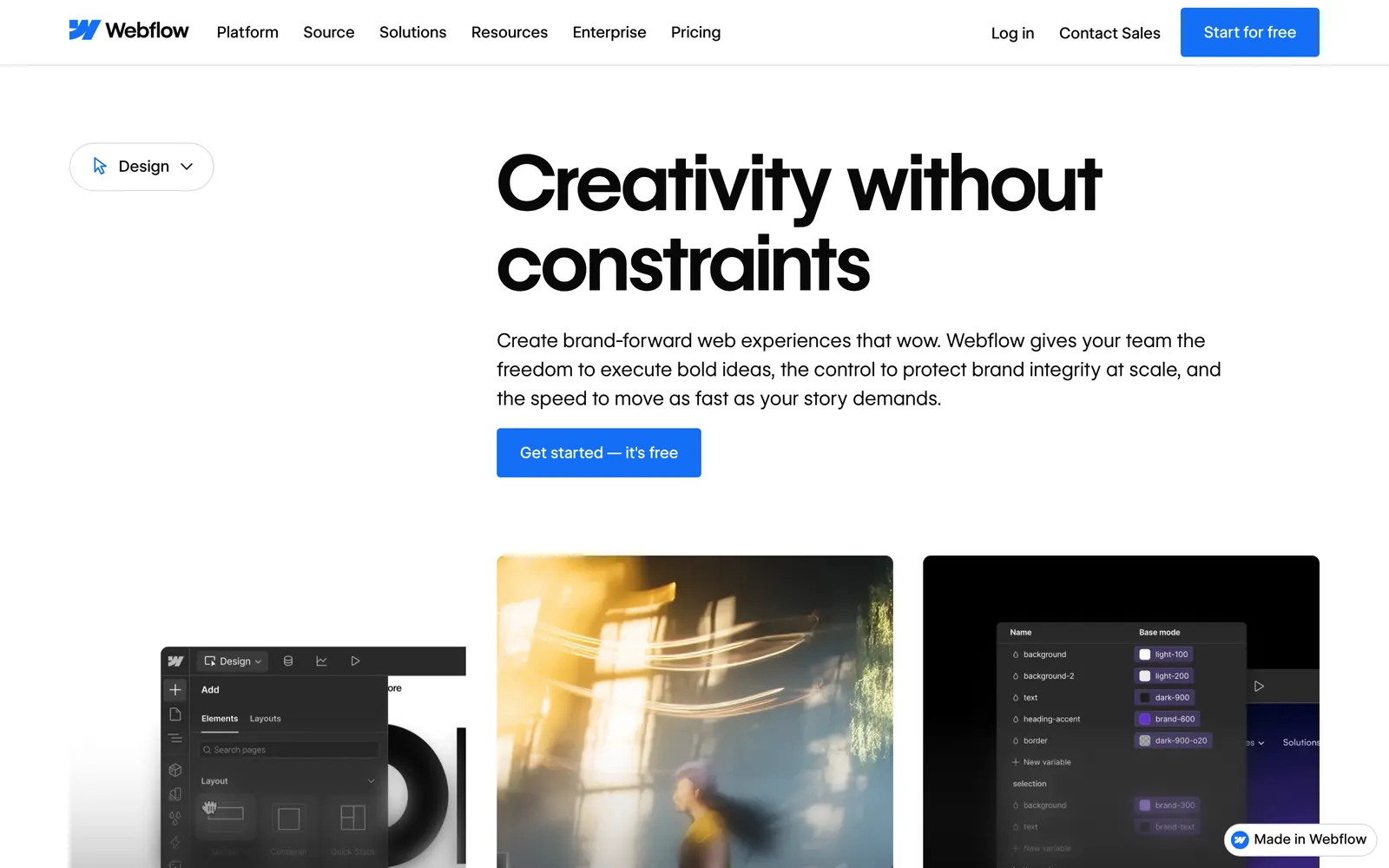
Webflow works like visual front-end development. You style elements with classes, build reusable components, and lay pages out with real CSS concepts such as flexbox and grid. That takes longer to learn, and it gives a design team precise control over large sites. Webflow AI can generate copy, CMS items and schema markup with AI credits shared across a Workspace.
In short, Framer is usually faster to start, and Webflow gives more control as a site grows.
Framer vs Webflow pricing in 2026
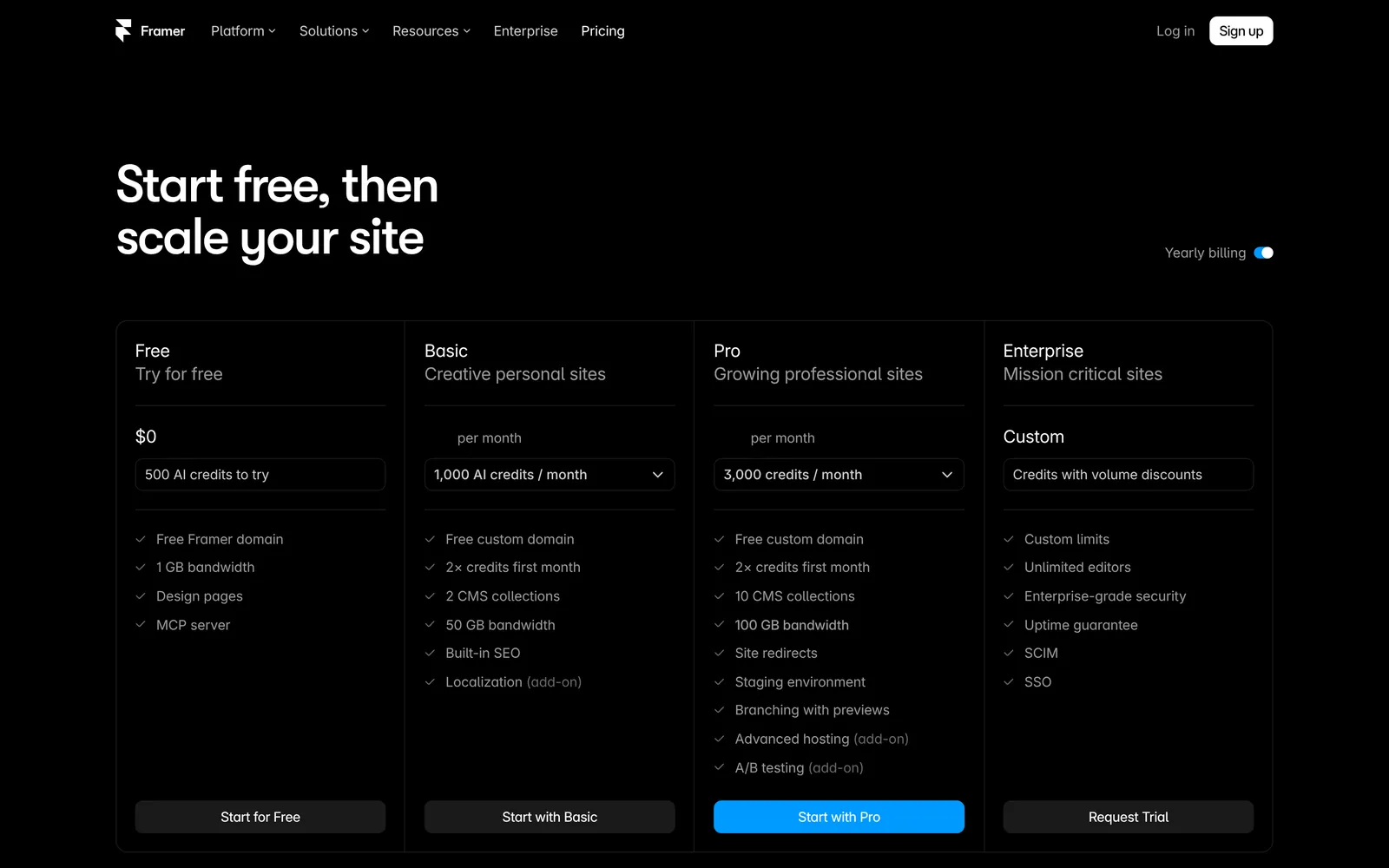
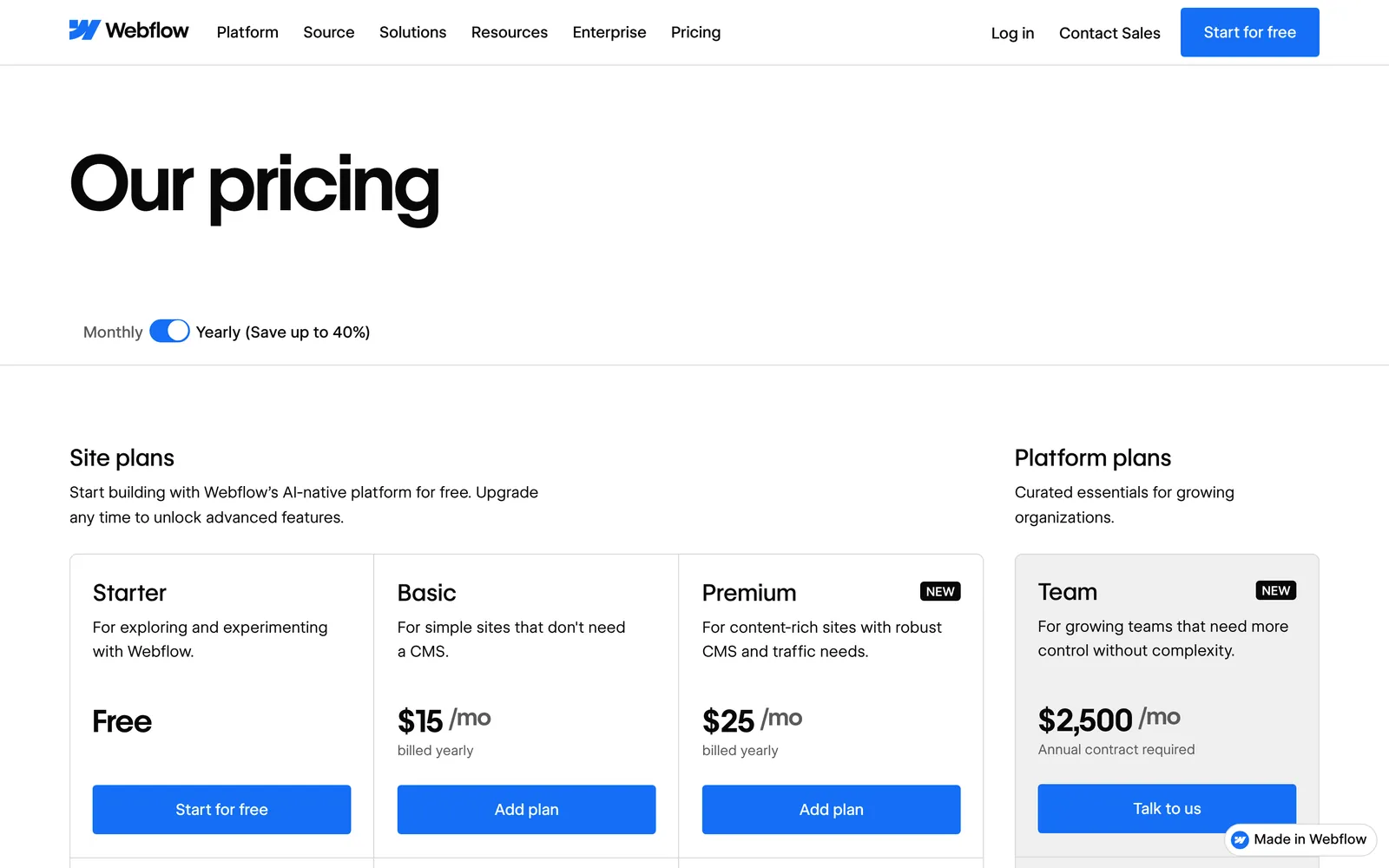
Both vendors changed their plans this year:
- Webflow: for new purchases from May 13, 2026, its CMS and Business plans merged into a single Premium plan, which now includes 20,000 CMS items and 40 collections. Freelancer and Agency Workspaces and legacy plans move over at their next renewal on or after November 16, 2026.
- Framer: with Framer 3.0 in June 2026 it introduced AI credits on every plan, a larger Basic plan, and lower editor prices.
| Plan component | Framer | Webflow |
|---|---|---|
| Free | Framer domain, 1 GB bandwidth, 500 AI credits | Starter: webflow.io address, 1 GB bandwidth, 50 CMS items, 2 static pages |
| Entry | Basic $10/month billed yearly: custom domain, 50 GB bandwidth | Basic $15/month billed yearly ($25 monthly): 300 static pages, no CMS |
| Main business plan | Pro $30/month billed yearly: redirects, staging, 100 GB bandwidth | Premium $25/month billed yearly ($39 monthly): CMS, 50 GB bandwidth |
| Extra seats | Editors $20/month; content editors $10/month | Depends on the Workspace plan |
| Languages | $20 per locale a month | From $9 or $29 per locale a month |
| Store | Not available natively | From $29/month billed yearly, 2% fee on Standard |
Framer's pricing page shows yearly-billed prices, and says all prices are monthly and billed on the cycle you pick at checkout; we couldn't read its monthly-billed figures. On Webflow, code export and some team features also depend on a separate Workspace plan.
The cheapest route depends on the site, and the subscription is usually a small part of the total. Our website redesign cost guide covers the build budget. A small marketing site without a CMS is cheaper on Framer Basic. A content-heavy site may be cheaper on Webflow Premium, because Framer's item limits push larger sites toward Pro and add-ons.
CMS and content
This is where the two differ most.
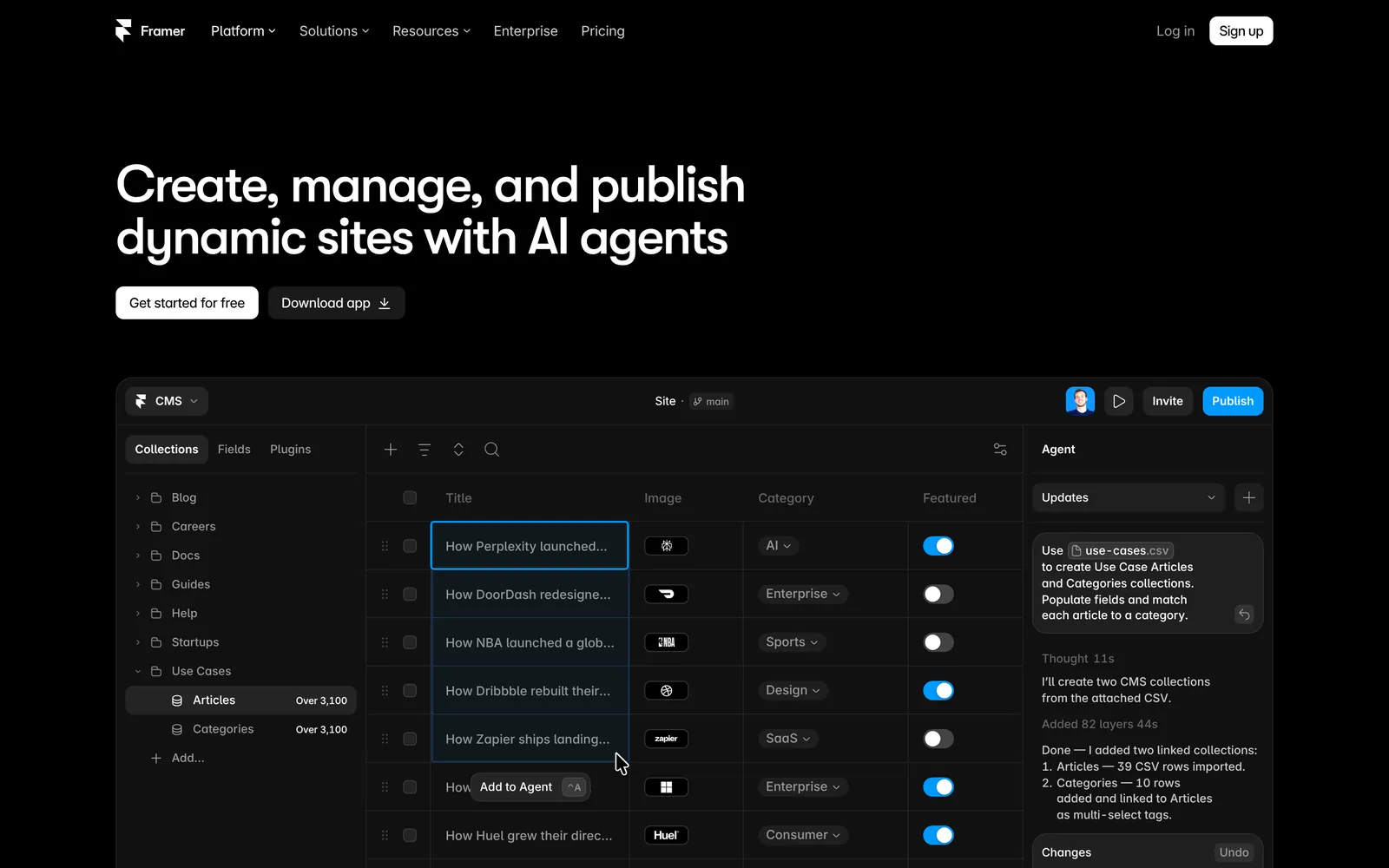
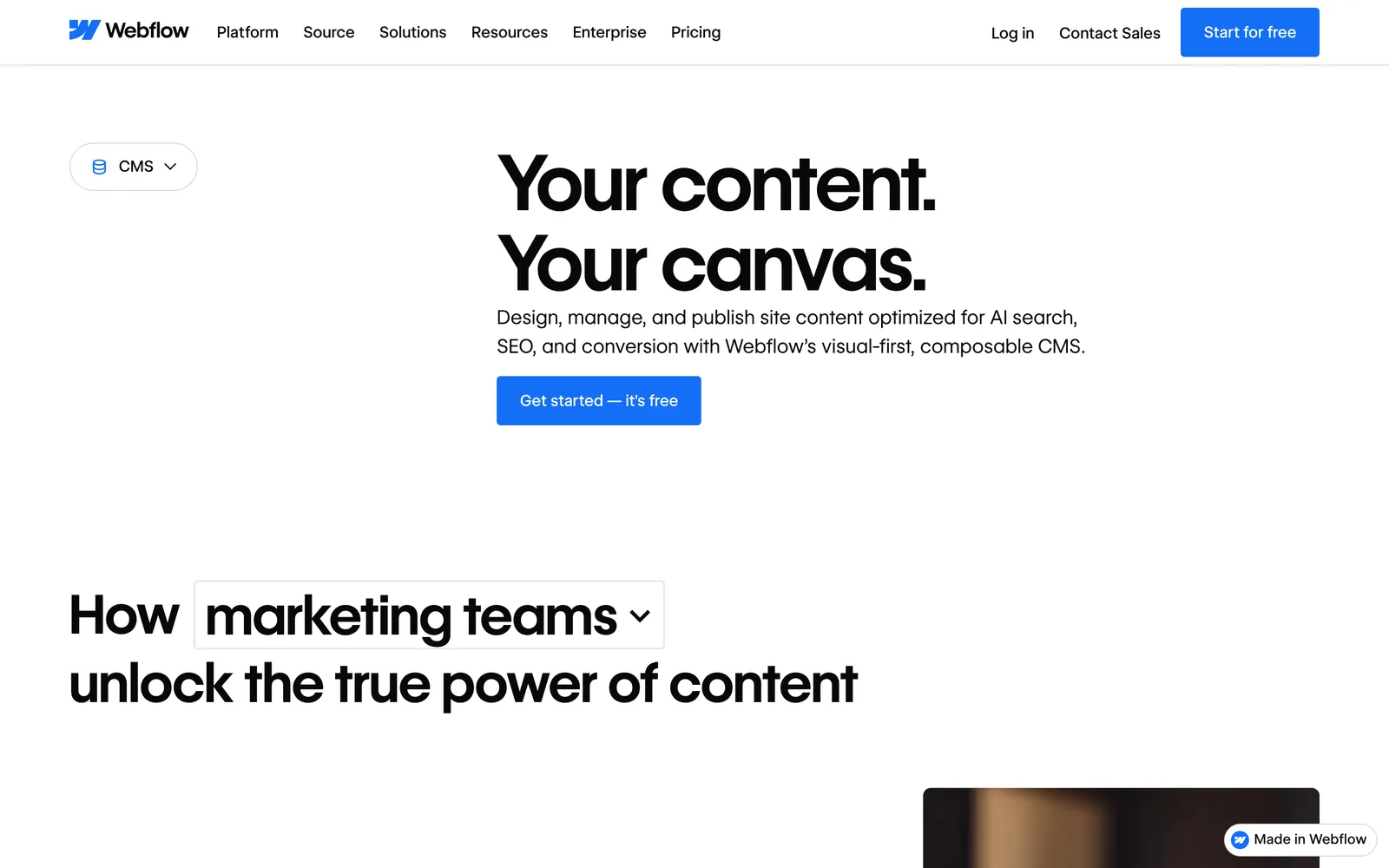
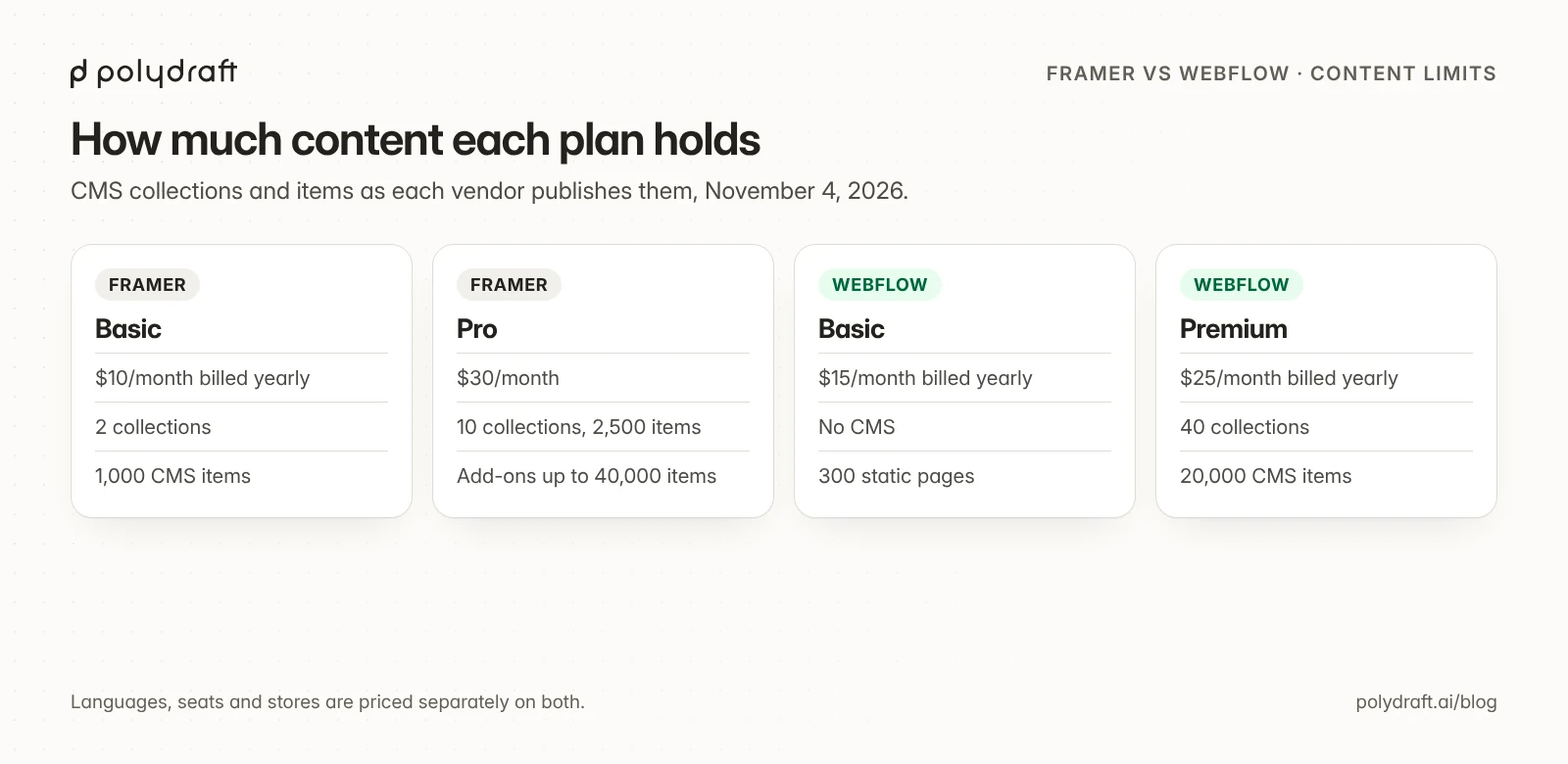
- Webflow: Premium includes 40 collections and 20,000 items, and Webflow removed CMS item add-ons in May 2026.
- Framer: Basic includes 2 collections and 1,000 items, and Pro includes 10 collections and 2,500 items, expandable with add-ons to 40 collections and 40,000 items. Framer is fine for a blog and a set of case studies. Larger libraries need Pro plus add-ons.
If you expect more than a few thousand CMS items within two years, start your comparison with Webflow.
Framer vs Webflow for SEO
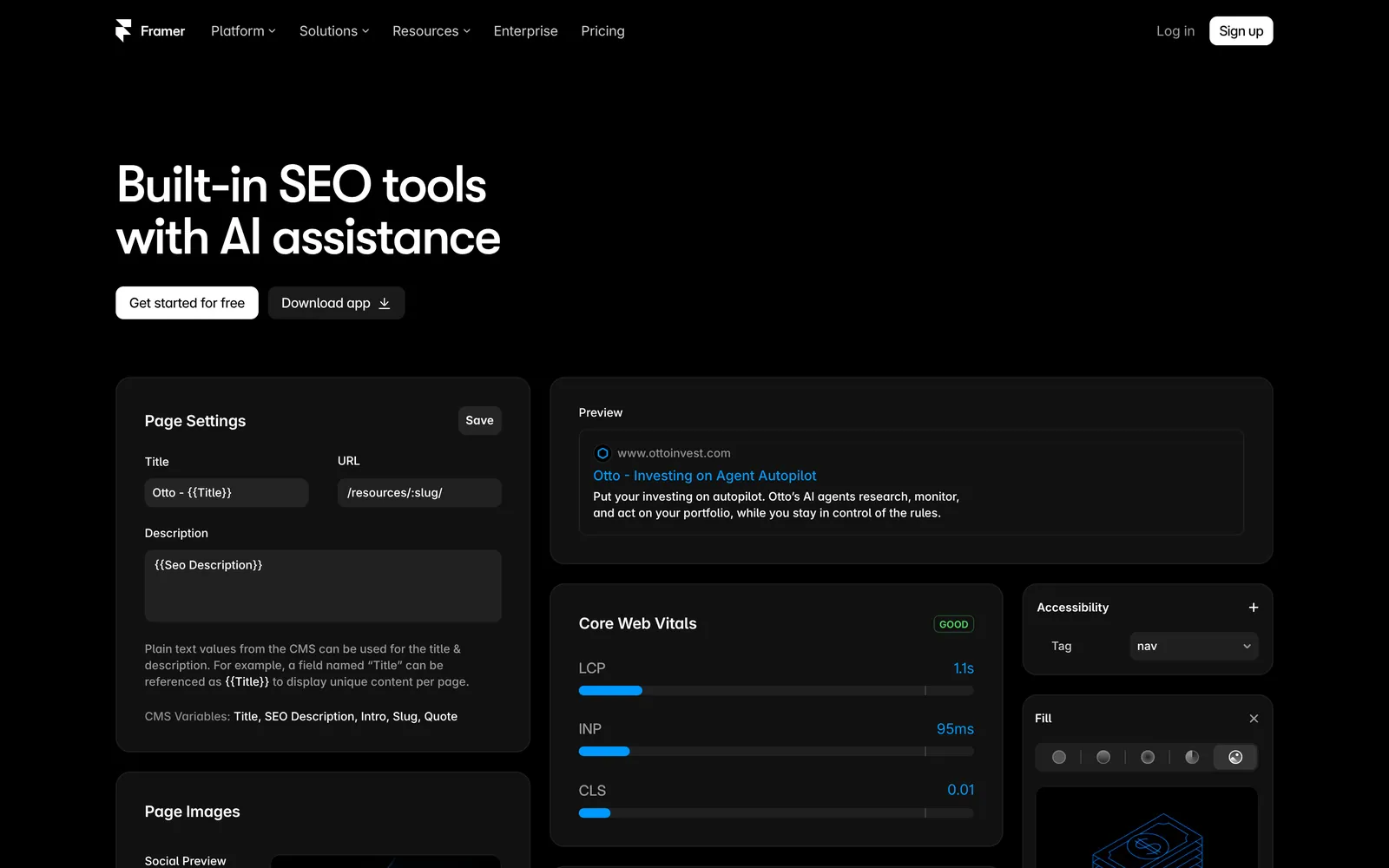
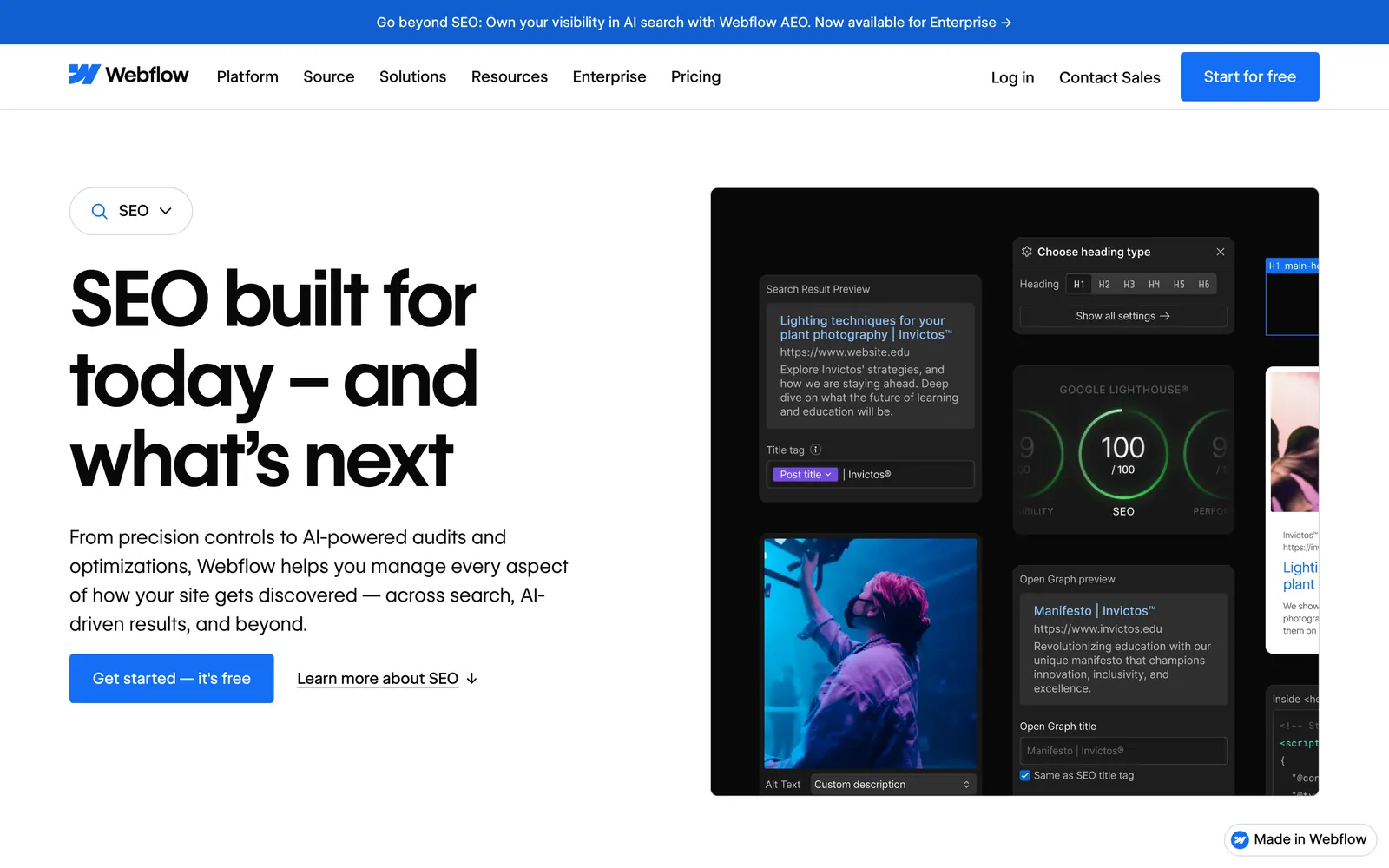
Both cover the essentials, and their controls are close. The differences are in the details.
| SEO control | Framer | Webflow |
|---|---|---|
| Titles and descriptions | Site-wide defaults plus per-page overrides; CMS variables | Per page; CMS templates pull from fields; AI can fill gaps |
| Sitemap and robots.txt | Generated automatically; custom robots.txt via Static Files on Pro (docs conflict) | Generated automatically; custom robots.txt rules in site settings |
| Noindex | "Show page in search engines" toggle | Per-page indexing toggle |
| Canonical | Defaults to the page URL; custom canonicals set explicitly | Global canonical setting plus per-page override |
| Redirects | Included on Pro, with wildcards | Paid plans, with wildcards |
| Structured data | JSON-LD in custom code; CMS fields usable | Schema markup field, with AI help, plus custom code |
| Rendering | Popular pages pre-rendered at publish; others optimized on first visit | Pages published to Webflow's hosting |
| Hreflang | Not described in the Framer pages we checked | Generated by Localize |
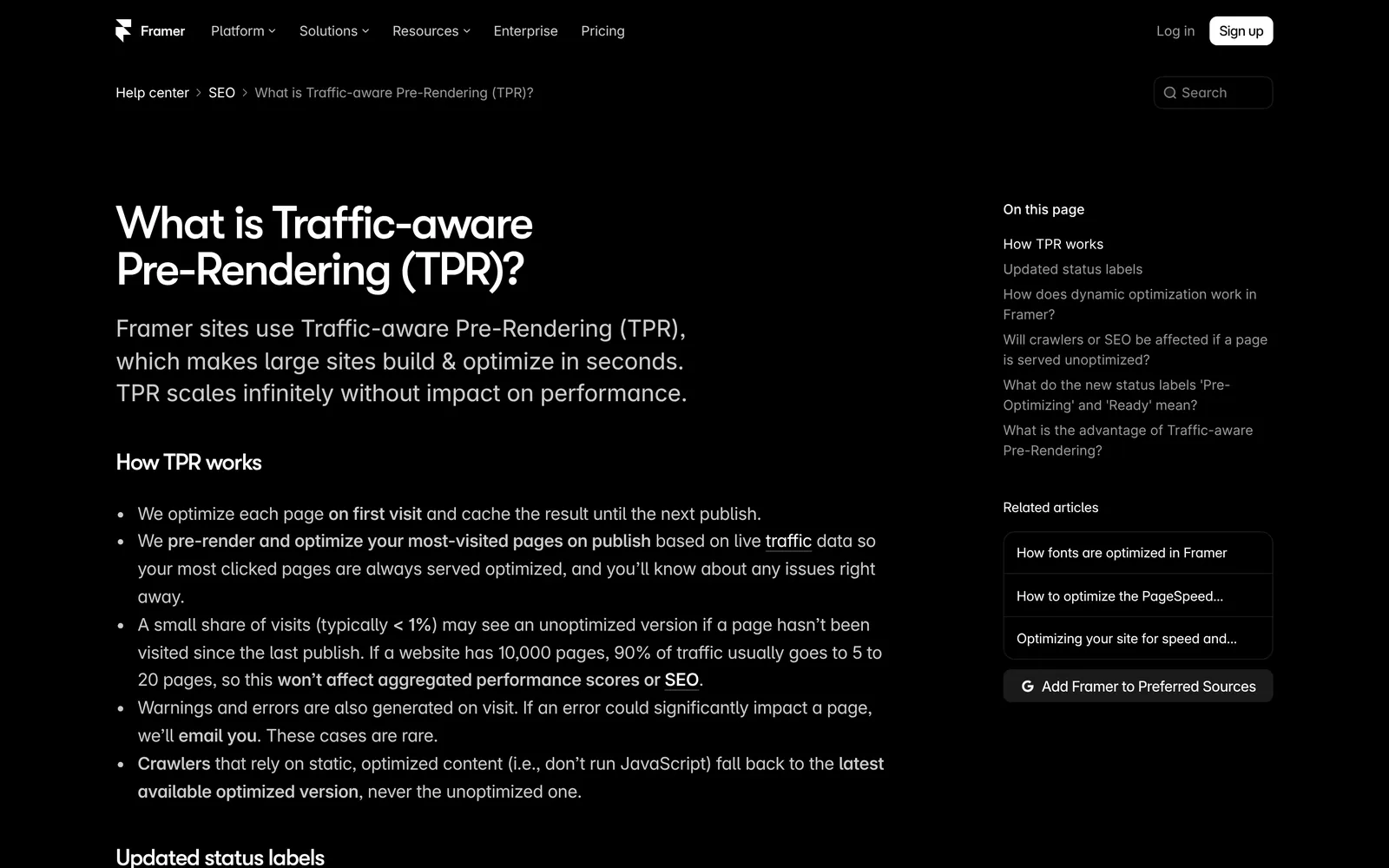
On rendering, Framer's help center says its Traffic-aware Pre-Rendering pre-renders the most visited pages when you publish. Other pages are optimized on their first visit and cached until the next publish, and Framer says typically under 1% of visits may get a page that isn't yet optimized. On either platform, heavy animation can still keep copy out of the HTML; our website redesign SEO checklist shows how to check.
One documentation detail to check: Framer's hosting guide describes its permanent redirects as status 308, while most migration guides, including ours, assume 301. Both pass signals for a permanent move, but check a live Framer redirect with a header checker before you migrate.
Our Webflow SEO guide has a 45-minute audit for Webflow sites, and many of its checks apply to Framer too.
AI tools and AI search
Both vendors now sell AI as part of the product, in different ways:

- Framer puts agents on the canvas. Every plan includes AI credits: 500 on Free (reset daily, capped monthly), 1,000 a month on Basic and 3,000 on Pro, with top-ups. Agents design pages, write copy, fill the CMS and translate. Framer says its agent can also review traffic, search intent and conversion gaps, and suggest internal links and missing supporting content. Framer offers a free AEO scanner, and lets you upload an llms.txt file to serve from your site.
- Webflow offers Webflow AI to generate copy and schema markup and to audit and improve technical and on-page SEO and AEO, with credits shared across a Workspace. Both tools are included on paid Site plans; a free Starter site needs a paid Workspace plan. The Analyze add-on reports AEO insights such as LLM visibility and AI agent traffic. The Team plan, at $2,500 a month on an annual contract, adds AEO technical and content agents and a dashboard of their recommendations, and Webflow promotes AEO to Enterprise customers.
In both, AI suggests fixes and does the work faster inside the builder. Planning what to publish from search demand, and scheduling and refreshing it, still sits with you on most plans.
Languages
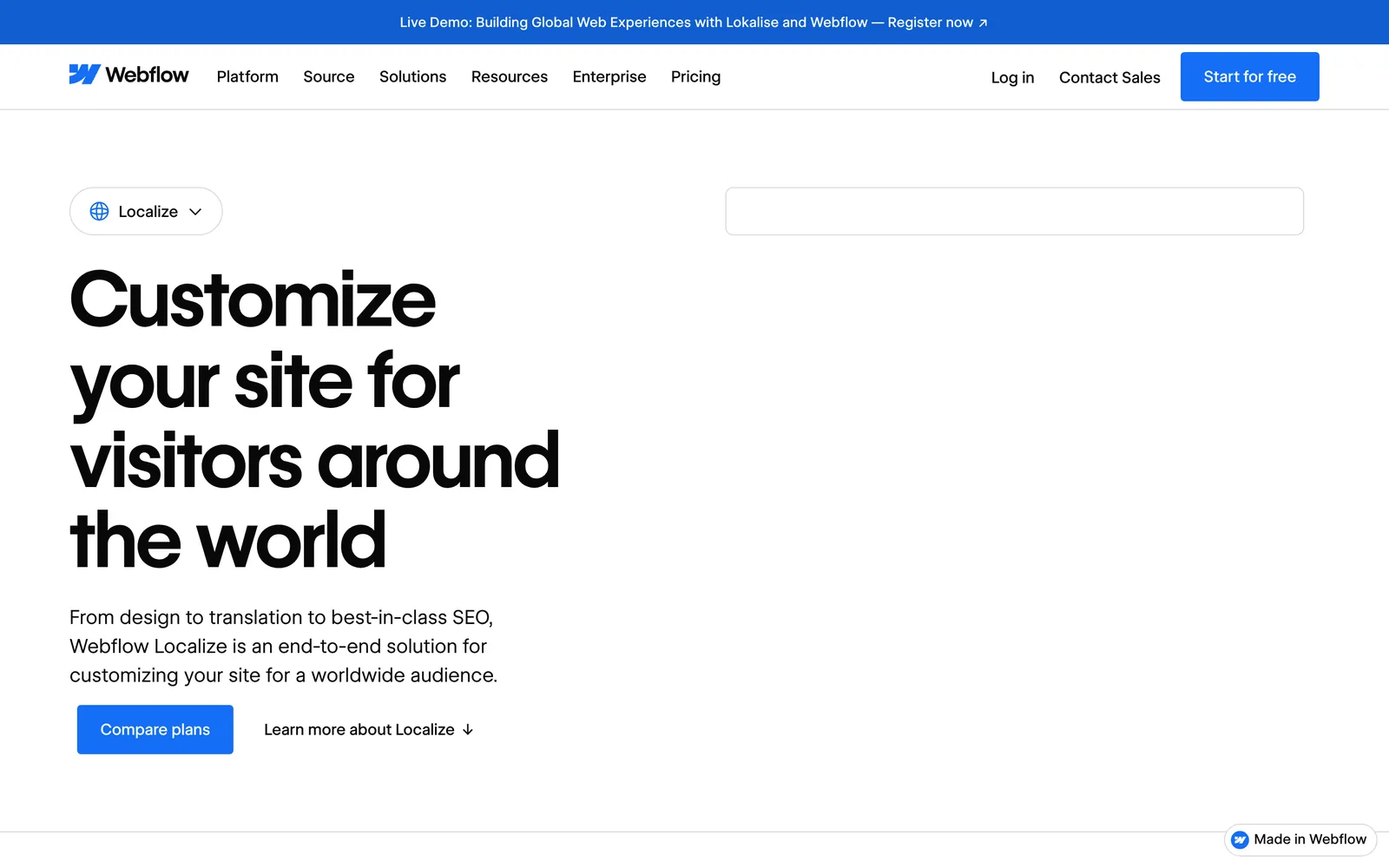
- Framer: Framer lists localization at $20 per locale a month, for up to 20 locales, and localized page paths are supported. AI translation uses plan credits, while adding locales and entering translations yourself doesn't.
- Webflow: Localize Essential, from $9 per locale, allows up to 3 locales and 10,000 AI-translated words per locale a month. Advanced, from $29 per locale, allows up to 10 locales and 50,000 words per locale. Both prices are billed yearly. Webflow's help center says Advanced and Enterprise include automatic routing by browser language.
For two or three languages, both work. For many languages, the per-locale cost on either platform adds up, so price it before you commit. Our multilingual SEO checklist covers the setup on any platform.
Ecommerce
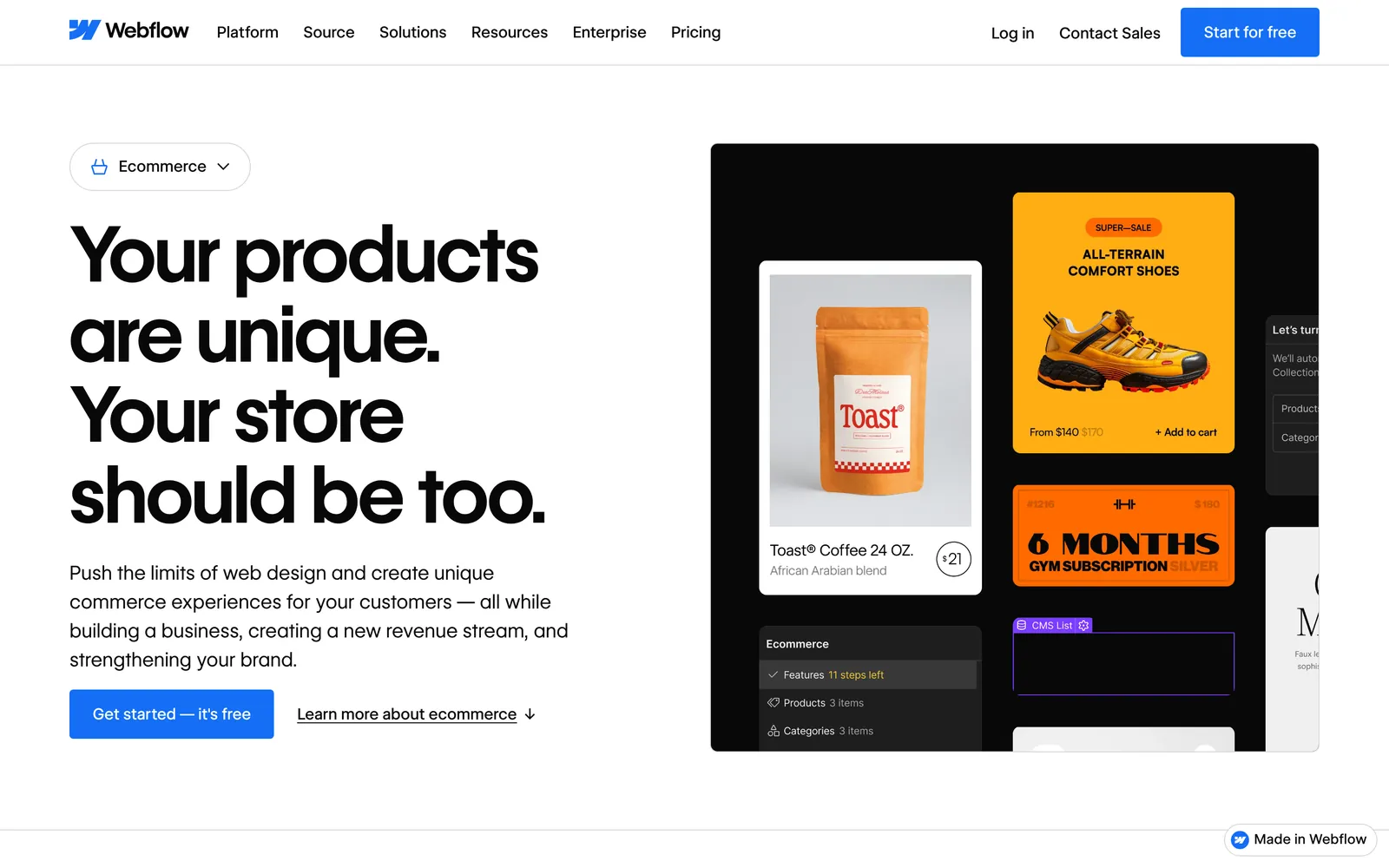
Webflow has dedicated ecommerce plans:
- Standard: $29 a month billed yearly, with 500 items and a 2% transaction fee.
- Plus: $74 a month billed yearly, with 5,000 items and no transaction fee.
- Advanced: $212 a month billed yearly, with 15,000 items and no transaction fee.
We found no native store in Framer's documentation. If selling is central, Webflow, or a commerce platform such as Shopify, is the safer choice. Our Squarespace alternatives guide compares Shopify with the all-in-one builders.
Ownership and leaving
Both are hosted platforms, so plan for a rebuild if you ever leave.
- Webflow: code export (HTML, CSS, JavaScript and assets) needs a paid Workspace plan; Site plans don't include it. CMS content doesn't export as code, and forms, site search and password protection stop working. Collections export as CSV files.
- Framer: two of its help articles still disagree, as of November 6, 2026.
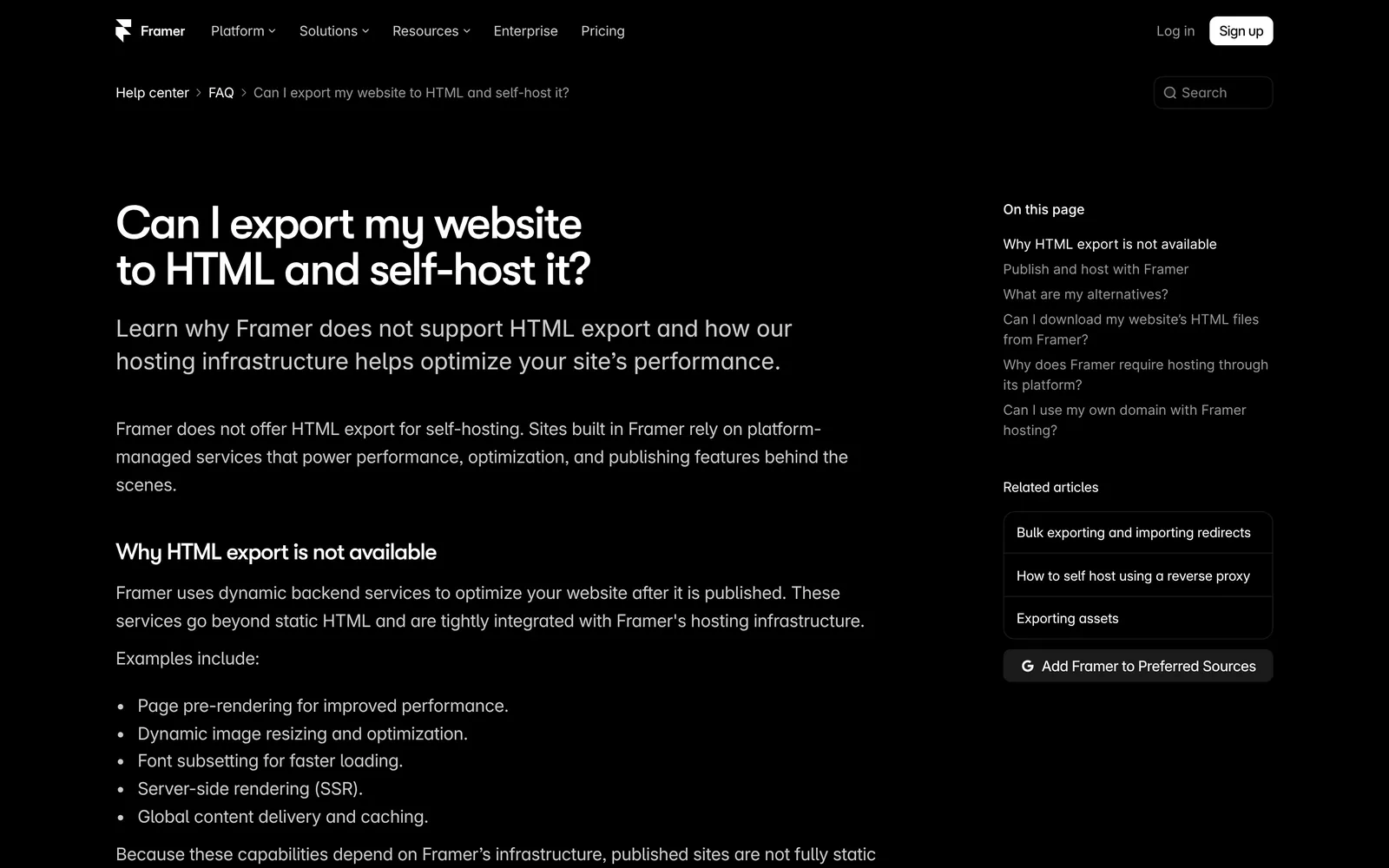
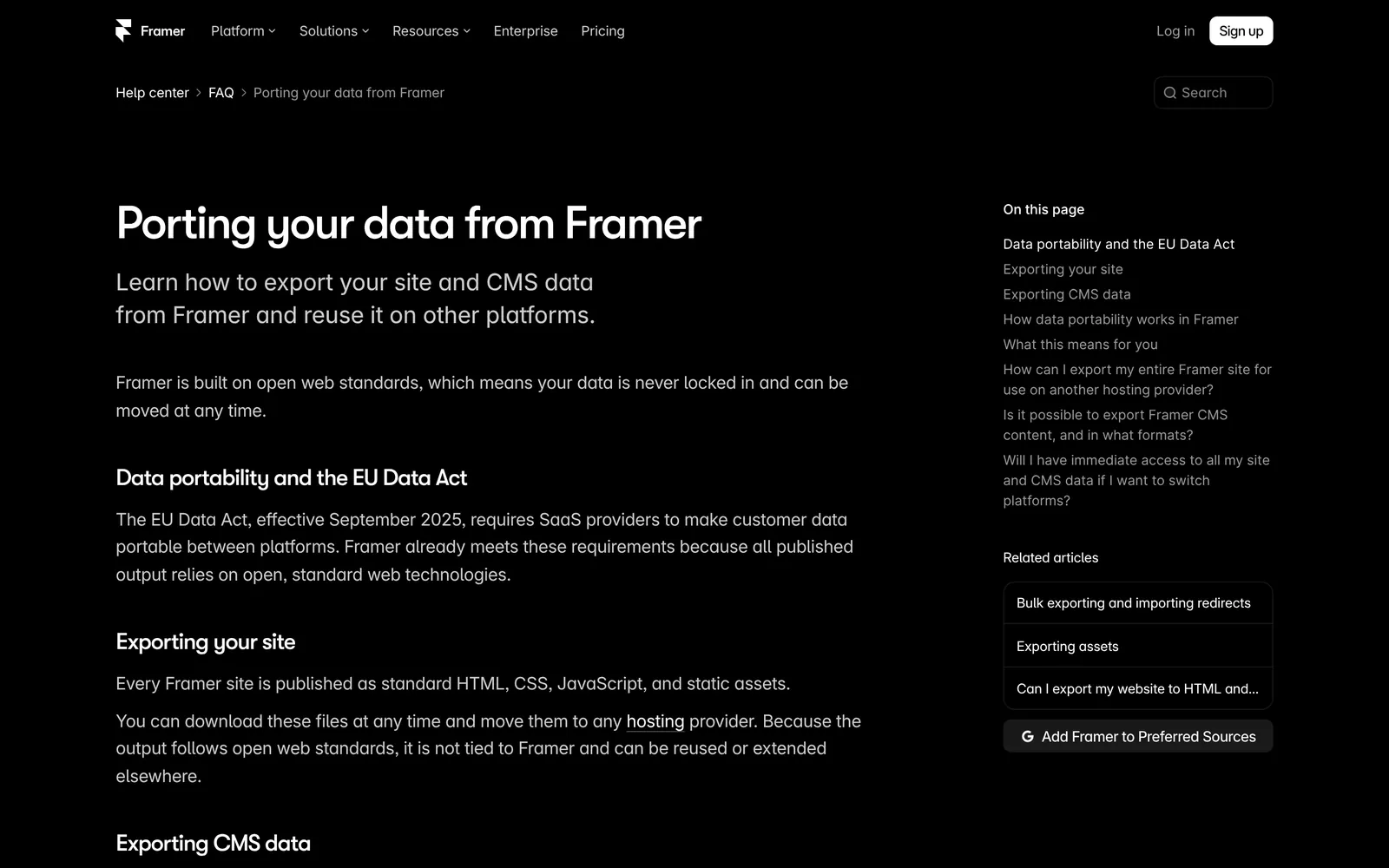
One says published sites "are not fully static and cannot be exported as standalone HTML files for self-hosting". The other says every Framer site "is published as standard HTML, CSS, JavaScript, and static assets" that "you can download … at any time". Framer documents CMS export through plugins. Test any export before you rely on it.
Which should you choose?
Choose Framer if:
- designers will build the site and want a canvas-first tool
- the site is a marketing site, landing page, or portfolio with modest CMS content
- you want the lowest paid entry price and built-in analytics (Webflow sells Analyze as an add-on)
Choose Webflow if:
- the site has, or will have, thousands of CMS items or related content
- you need a built-in store
- a design team wants class-level control and a documented code export
The work that starts after launch
Framer and Webflow are good at what they're for: building and hosting a website, with a better editor than most. They're SaaS products. You rent the builder and the hosting, and the marketing work mostly stays with you or your agency: deciding what to publish from search and AI-search demand, writing it, linking it, checking what performs, and refreshing what doesn't. Our guides to post-launch SEO maintenance and the content refresh workflow list those tasks.
Where PolyDraft fits
We make PolyDraft, and it's built around that work rather than around a design canvas. It's an AI-native website marketing system: it starts with the site's infrastructure, plans content from SEO and GEO data, and helps you keep that content current. As of November 6, 2026:
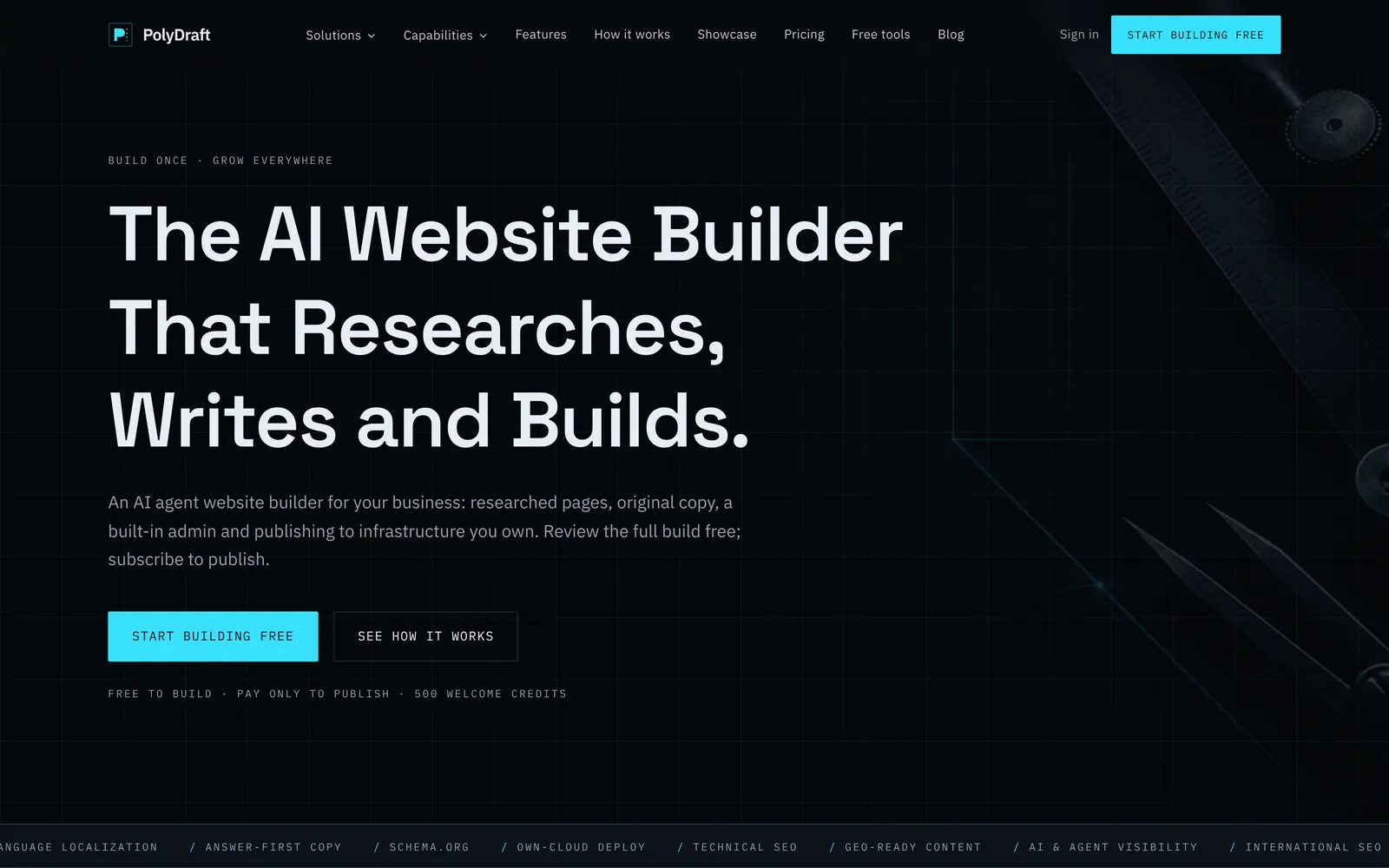
- Infrastructure first. You describe the business, and its agent researches, writes and builds a multi-page Astro site that renders HTML on the server. It deploys to your own Cloudflare account. Titles, descriptions, structured data, canonicals, a sitemap, robots.txt and llms.txt come with every plan.
- Content planned from data. Sites built since November 2026 come with a content calendar in their admin: competitor keywords and question data when search data is available, otherwise questions from search results, AI-predicted sub-queries that answer engines run for your topics (GEO), topic clusters with pillar pages, and a dated publishing queue. Internal links between related articles are added as you publish.
- Refresh from performance. When you ask, PolyDraft uses your Search Console data to flag articles with low click-through, or older articles with no impressions, as due for a refresh, and you or its agent update them. PolyDraft's agent doesn't publish without your approval.
- Languages and ownership. Up to 10 languages on Starter ($39 a month, access currently invite-based), 30 on Pro and 100 on Agency, with hreflang. Source-code export is included on Agency.
Recurring, evidence-backed recommendations of what to publish or refresh next are the direction we're building toward; today, research and refresh checks run when you ask for them.
PolyDraft is the wrong choice if your designers want to control every pixel on a canvas, if you need a store, or if you need a CMS as deep as Webflow's. It doesn't import Framer or Webflow sites, and it has no built-in redirects, so you'd set those up in Cloudflare. Our PolyDraft vs Framer and PolyDraft vs Webflow pages compare them in detail. If you're also weighing AI tools that generate the site for you, see AI builders compared by what they build.
How we compared
We compared Framer and Webflow on price, CMS limits, SEO controls, rendering, AI, languages, ecommerce and ownership. On November 6, 2026 we opened their plans pages, product pages and help-center articles in a desktop browser (1440 × 900, US English, not signed in) and saved the screenshots in this article. Our November 4 version relied on search excerpts because our tools couldn't open those sites then. Where the vendors' documents conflict or leave something out, we say so. We didn't build test sites or measure speed, and we don't show rankings.
What changed since November 4:
- Webflow's free plan now lists 1 GB bandwidth rather than a visit limit; Framer Pro and localization are confirmed as billed per month on yearly billing.
- New screenshots of both products, and a new section on AI tools and AI search, including Webflow's AEO offer.
- Framer's redirect status is now cited to its hosting guide.
Frequently asked questions
Is Framer better than Webflow?
For fast, design-led marketing sites with modest content, often yes. For CMS-heavy sites, stores, and teams that want fine control and a documented export, Webflow is usually the better fit.
Is Framer cheaper than Webflow?
At the entry level, yes: Framer Basic is $10 a month billed yearly and Webflow Basic is $15. For a CMS site, compare Framer Basic or Pro ($30) with Webflow Premium at $25 billed yearly, and add languages and seats before deciding.
Is Framer or Webflow better for SEO?
Neither has a decisive edge. Both offer metadata control, automatic sitemaps, canonicals, redirects and structured data, though redirects need a paid plan. Webflow generates hreflang with its paid Localize add-on; the Framer pages we checked don't describe hreflang. Webflow has a dedicated schema field. Framer's pre-rendering serves popular pages ready-made. Content and setup decide rankings far more than the choice between them.
Do Framer or Webflow help with AI search (GEO)?
Both serve pages AI crawlers can read and include AI tools that suggest fixes. Framer has a free AEO scanner; Webflow's Analyze add-on reports LLM visibility, and its $2,500-a-month Team plan adds AEO agents. Planning and scheduling content from search demand is still mostly your job.
Can I move a Framer site to Webflow?
Not automatically. You rebuild the design in Webflow, move CMS content through CSV or JSON exports and imports, and add redirects for any URL that changes. Our website migration checklist covers the redirect map.
Does Framer support ecommerce?
We found no native store in Framer's documentation. Webflow sells ecommerce plans from $29 a month billed yearly.
Continue with the next task
- Audit a Webflow site's settings: Webflow SEO guide
- Weigh Webflow against the open-source option: Webflow vs WordPress
- See all-in-one options too: Squarespace alternatives
About this article. Drafted by an AI agent following PolyDraft's blog workflow, checked by an automated QA script, fact-checked by a separate AI agent, and approved by Vincent Chen. PolyDraft is a different kind of product from Framer and Webflow, and we've kept to what each vendor documents. Screenshots were captured on November 6, 2026 from each vendor's public pages, unedited apart from resizing; the CMS diagram is an original illustration. Updated November 6, 2026: re-checked every figure on the vendors' own pages, added screenshots and a section on AI tools and AI search, and rewrote the PolyDraft section. Earlier the same day we added links to our Lovable alternatives guide and our checklist step on JavaScript and animation.
Sources
- Framer: Pricing, AI credits, simpler plans, and lower prices, Design, CMS, SEO, AI, Framer vs Webflow (Framer's page)
- Framer Help: Localized page paths, Site plans explained, SEO features and tools, Redirects, Structured data through JSON-LD, Traffic-aware Pre-Rendering, Hosting infrastructure, Adding a new locale, Built-in analytics, Can I export my website to HTML?, Porting your data from Framer
- Webflow: Pricing, Simplified plans and updated pricing, Designer, CMS, SEO, Localize, Ecommerce
- Webflow Help Center: Webflow AI credits, Hosting overview, Exporting site code, Localization overview, Payment providers and fees, 301 redirects, Canonical tags, Sitemap, robots.txt rules
- PolyDraft: Pricing, Features
Written by
Founder of PolyDraft and CEO of BlackMonolith, Inc.